Image to Video Porn: Animate Your Waifu for 10 Stars
Image to video porn works best on GoLove.ai — Image to Video, Extend and in-chat photo-to-video on one anime waifu. See the Star costs before you generate.
Short Answer: Where Image to Video Works for Anime Waifus
The deal-breaker with most tools is drift. You upload a still, and the clip that comes back looks like someone else.
That's why a blank upload box is the worst place to start image-to-video porn. The better route is animating a waifu who already has a face, a body and a chat history. GoLove.ai is the pick because Image to Video, Extend Video and the in-chat "Generate Video" button all run on the same consistent character. The girl you've been flirting with, the one who remembers what you talked about yesterday, is the girl who moves.
300+ anime AI girlfriends in their own Explore category · 10 Stars per 720p video
This guide covers three routes: the generator's Image to Video mode, clips built with no source photo, and turning a photo she sent you in chat into a clip.
Pick your waifu before you spend a single Star. Every clip after this builds on her face, so choosing her is the step that matters most.
Takeaway: start with the character, not the upload box.
How to Turn a Still Into a Clip, Step by Step
Consent is the deal-breaker here, so it comes first. Only animate GoLove characters or characters you built yourself in Create. Never use a photo of a real person.
Pick the character and the source image
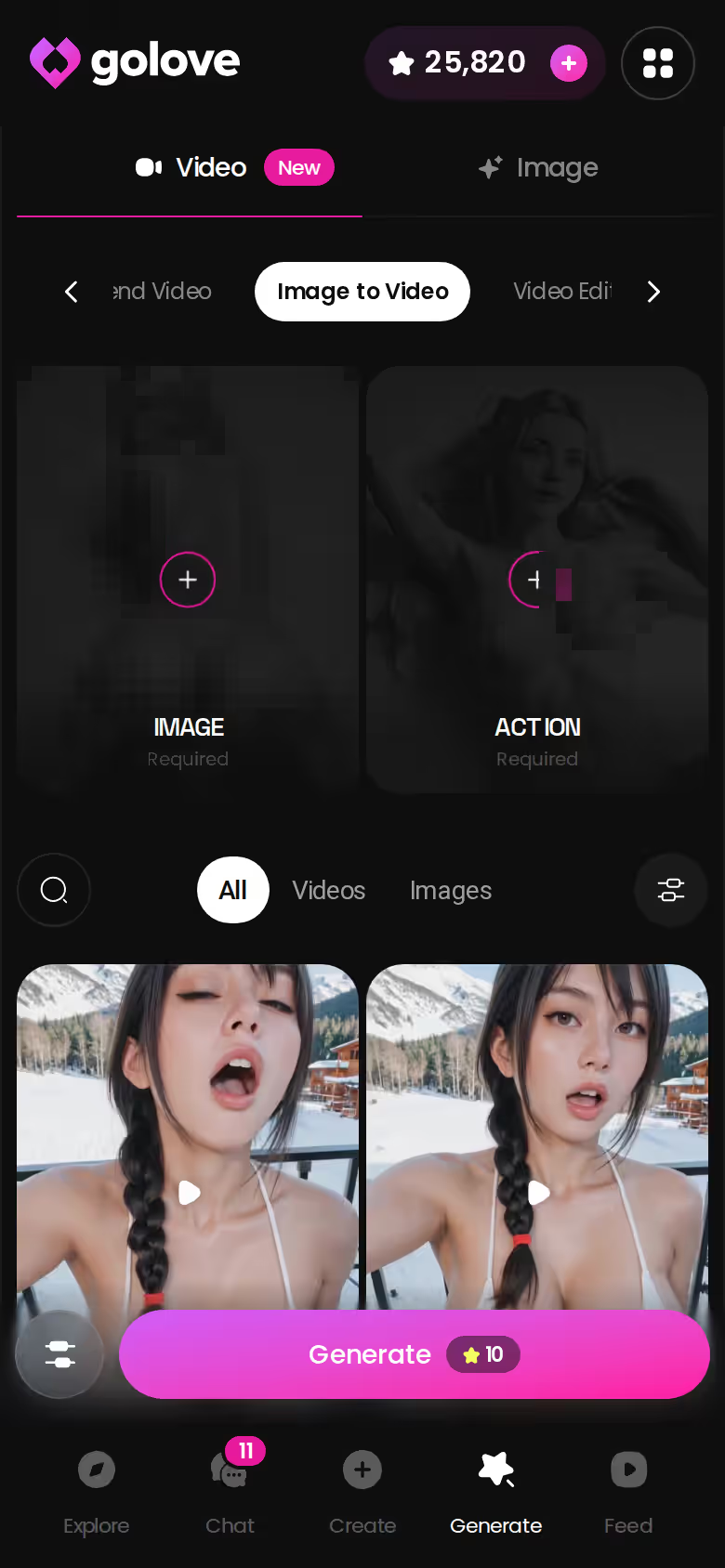
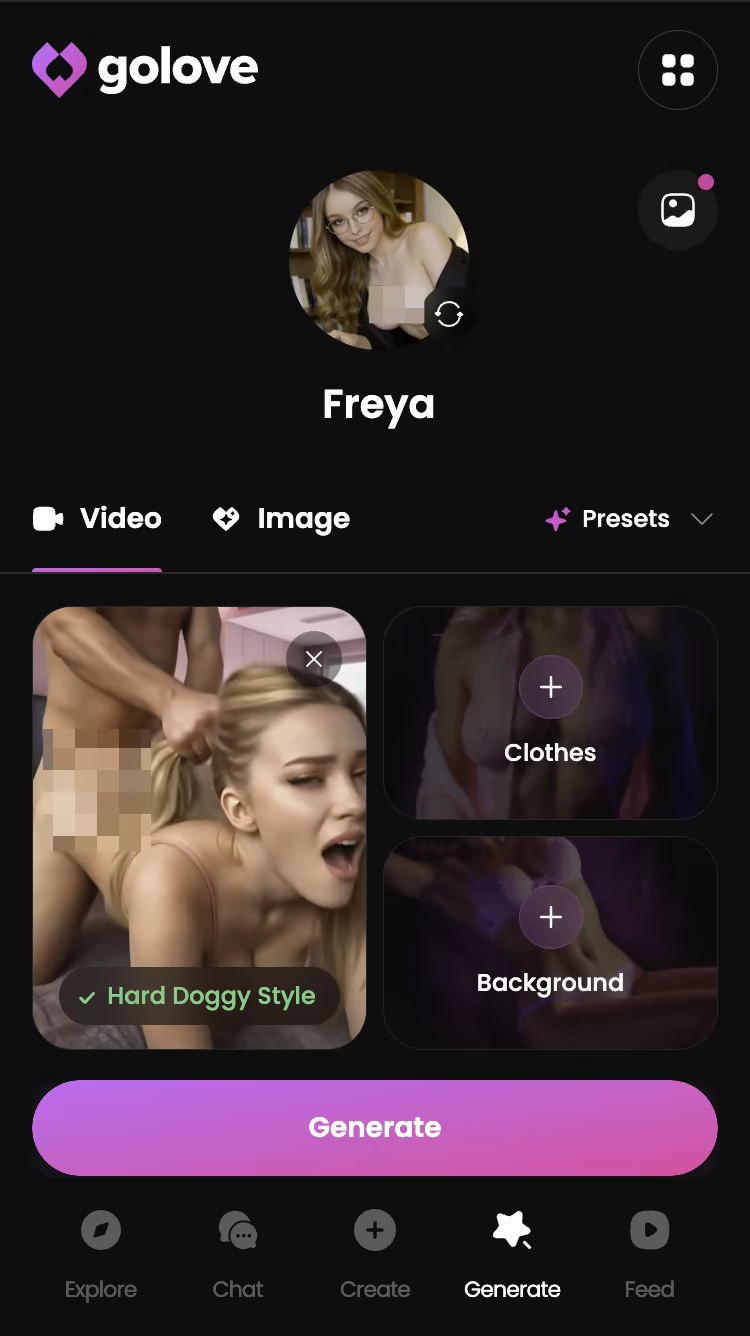
- Open Generate and switch to the Video tab.
- Use the avatar swap in the top-right corner to load your character. Any GoLove waifu works, and so does your own custom one.
- Choose Image to Video and pick the still of her you want to animate.
Set resolution, count and audio in Image to Video
- Resolution: 480p, 720p or 1080p.
- Count: 1, 2 or 4 videos per run.
- Extras: reverse video and add audio.
A 720p video costs 10 Stars. Run four 720p takes at once and that's 40 Stars, so ask yourself whether you really need four variations (most of the time, one good take beats four mediocre ones).
Animate a photo she already sent you in chat
Say you're mid-conversation and she's teasing you. Tap the media button, choose Send Photo and describe the scene in your own words: "on the balcony, robe slipping off one shoulder." About 20 to 45 seconds later the photo arrives. It costs 1 Star, and her face matches her avatar.
Under that photo sits a "Generate Video" button. Tap it, and about a minute later you get a roughly 5-second clip of the same scene for 10 Stars. For the conversation side, see how chatting with an anime AI waifu works.
Takeaway: the chat route is the shortest path from a flirty message to a moving clip.
Nude AI Videos Without a Source Photo
No source still? You can still make nude AI videos two ways, and for anime styles one route is clearly stronger.
Custom Video: describe the clip in your own words
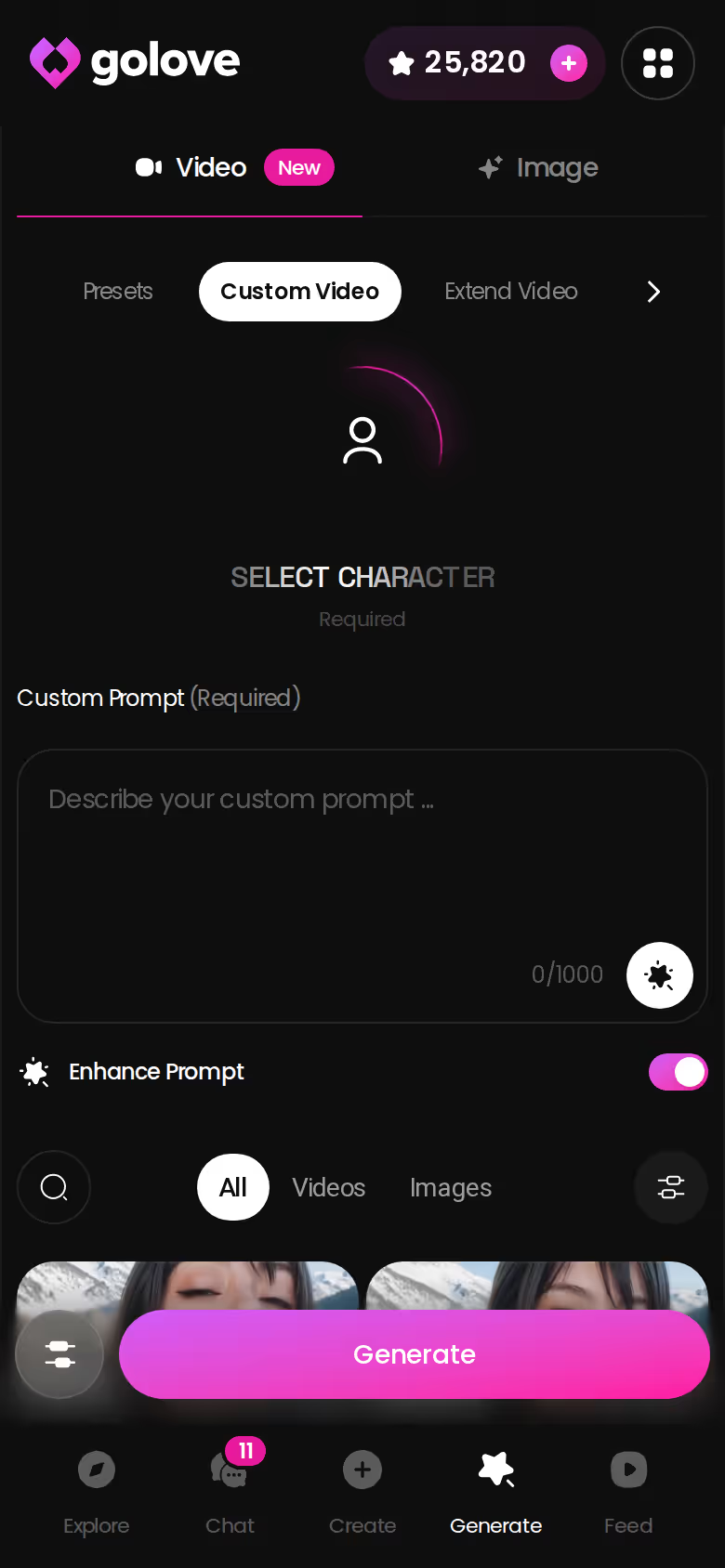
Custom Video works from a text description. You write what happens; the screenshot shows the resolution and length controls sitting right next to the prompt box. Full freedom, yes, but the result is only as good as the prompt you write.
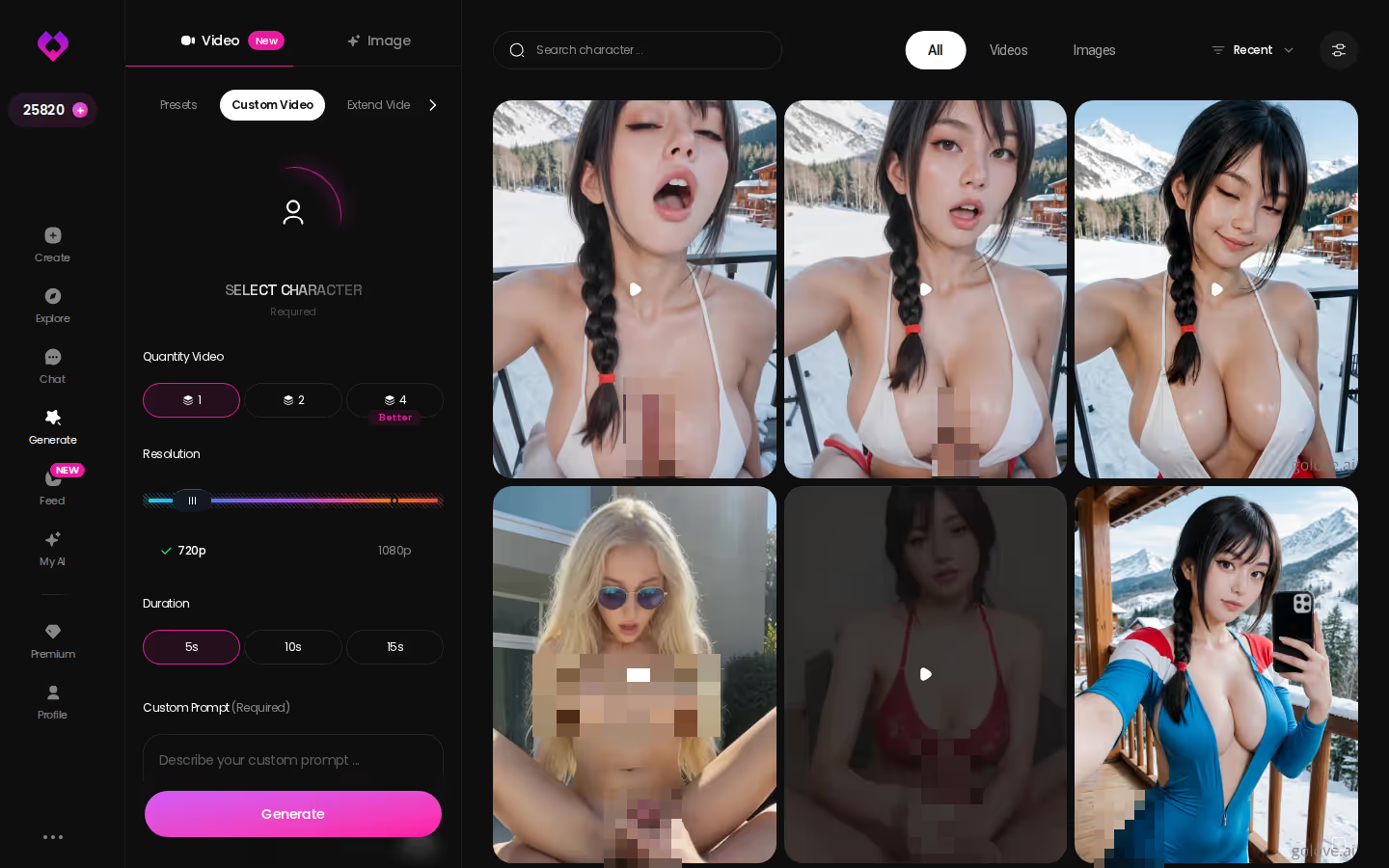
Presets: one tap from action, clothes and background cards
Presets build a clip from three rows of visual cards:
Characters you can open right now
Tap any of them and the chat starts there
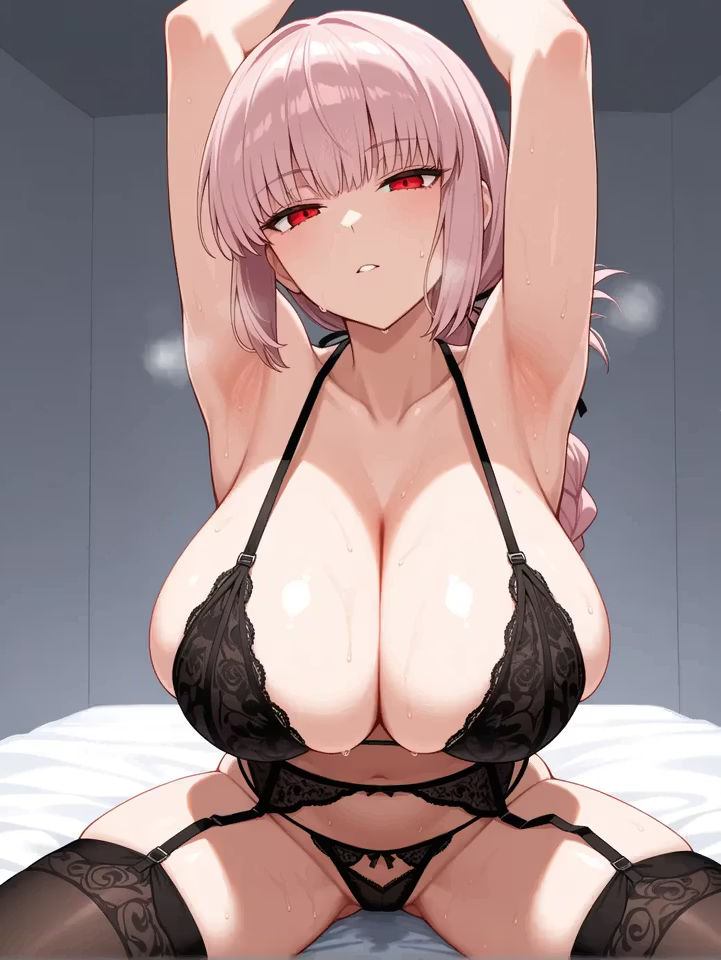
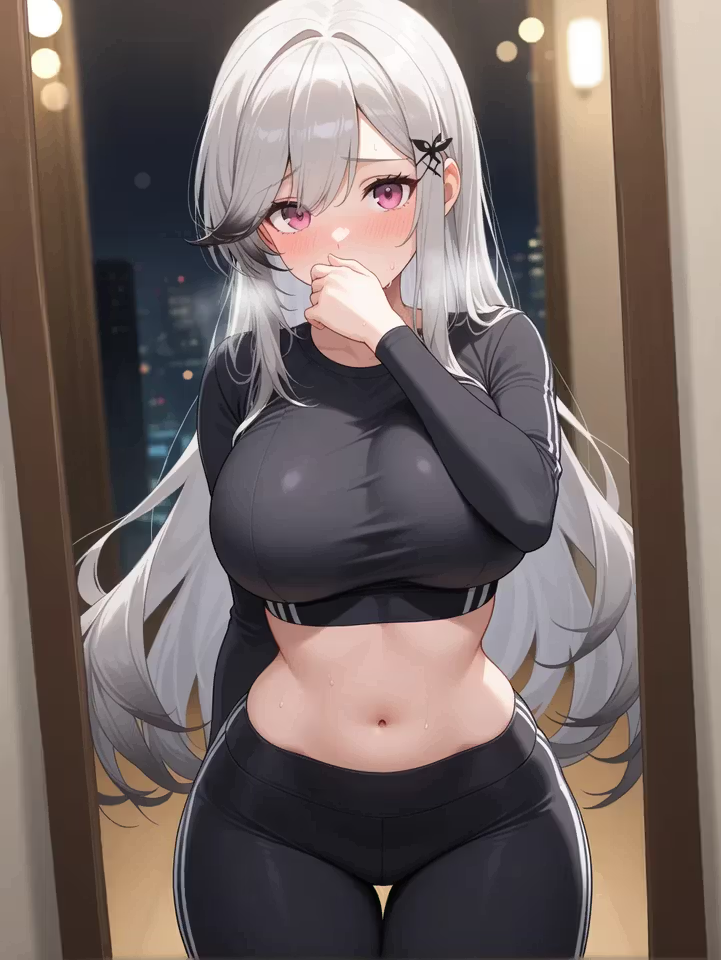
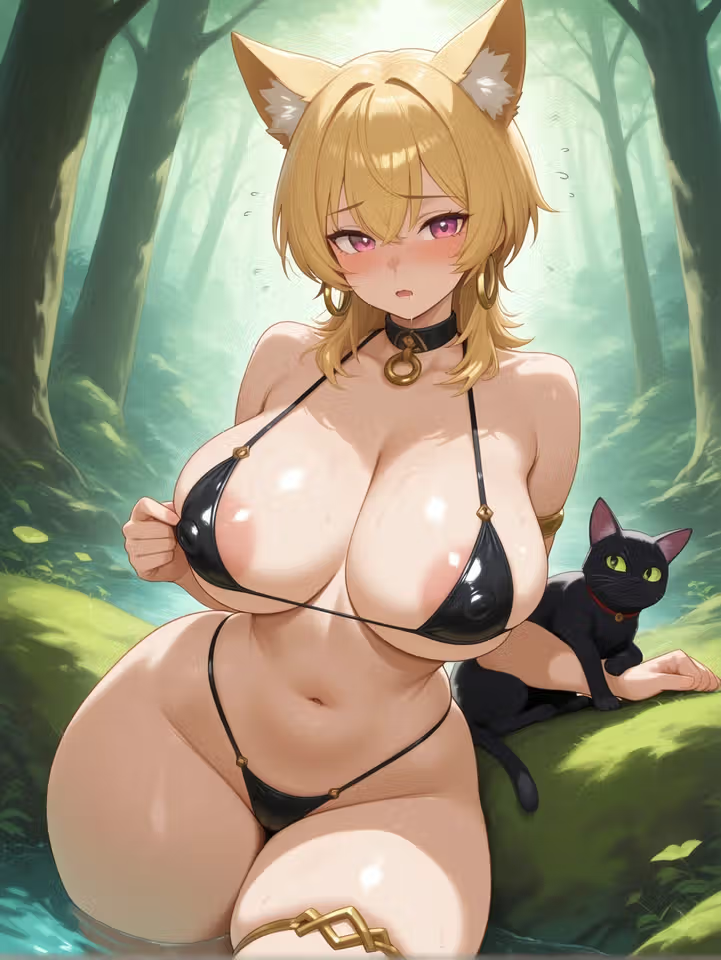
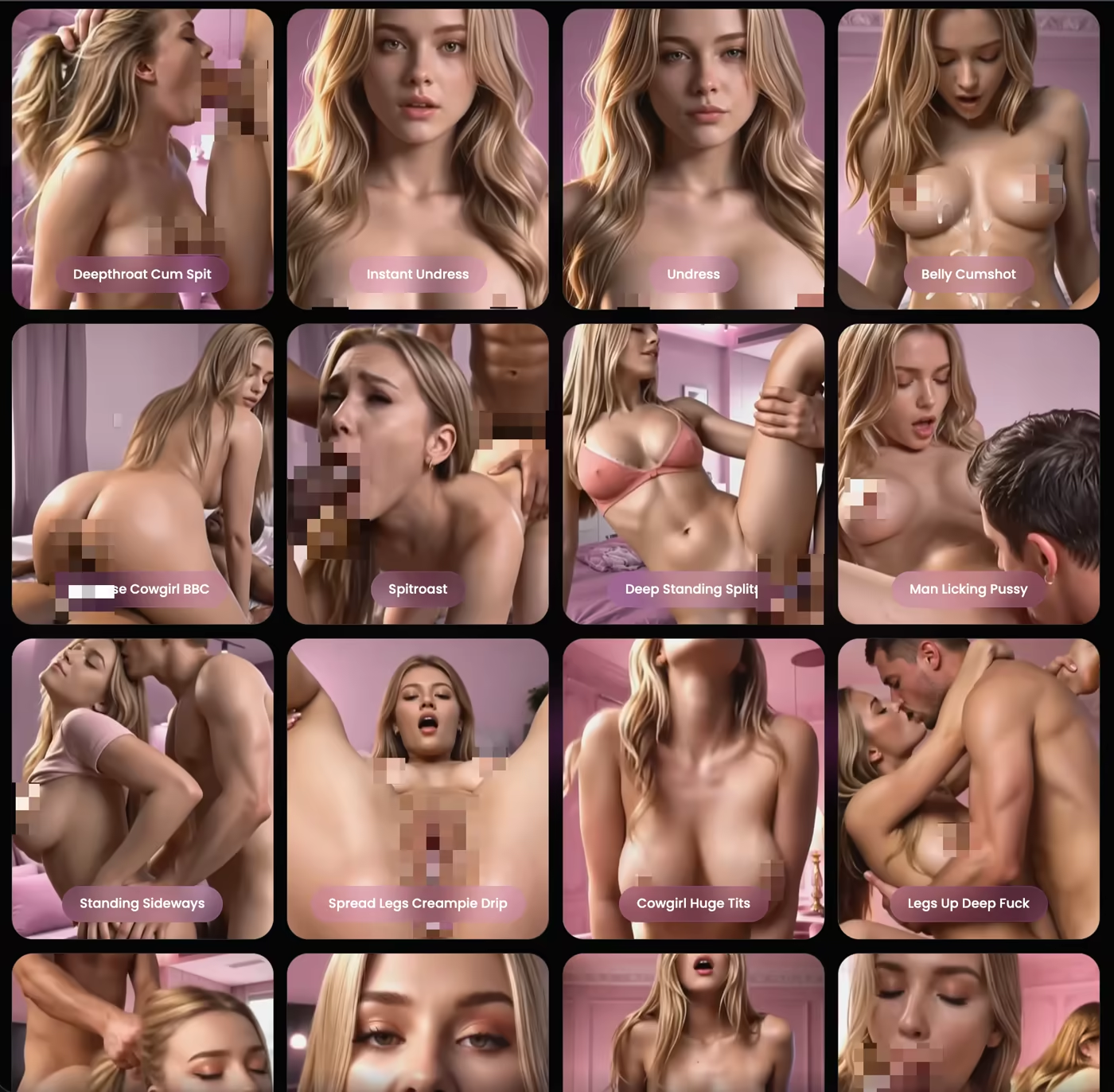
- Action: one of 20 anime video modes.
- Clothes: the outfit she's wearing.
- Background: where the scene takes place.
Pick one card from each row and tap Generate once. For stills, the anime picture set goes further with hentai-only modes such as Tentacle, Ahegao and Paizuri.
For anime, cards usually beat prompt-guessing. Compare a prompt like "anime girl on a bed, slowly undressing, hentai style" with picking an action card, a clothes card and a background card. The prompt leaves the model guessing between a cel-shaded look and something closer to realistic. A card is a fixed setting, so the art style stays where you left it.
If you'd rather watch than build, see anime waifu porn videos that talk back.

Takeaway: use Custom Video when you want something unusual, and use Presets for reliable hentai AI video.
Free Porn Video Generator Promises vs What Free Actually Buys
Searches for a "free porn video generator" or the "best free AI porn site" tend to hit the same wall: generating video costs credits. Here's what the free tier actually covers.
- Myth: "Free unlimited video." Fact: GoLove gives you 2 reward Stars a day, and a 720p clip costs 10. Saving every day still covers only a fifth of one clip per day.
- Myth: "There's nothing to watch for free." Fact: Episodes 1 and 2 of every Series are free, even without an account. The Feed also shows a limited number of new clips each day.
- Fair rival note: Candy AI also has a limited free tier: five messages across characters, one custom character and one generated image. We could not confirm any daily refill.
We could not confirm unlimited free video on any of the three apps in this guide, and a site promising it deserves a lukewarm reception at best. If free is the hard requirement, my honest advice is to watch rather than generate. Two free episodes per series plus a daily Feed will tell you whether this style of content works for you before any money changes hands.
Takeaway: watch for free, and pay only when you want to make clips yourself.
What Animating Costs on GoLove, Candy AI and OurDream
What does a subscription actually buy in clips? The table lines the three apps up.
| App | Plan structure (varies by region/promo) | How video is paid for | Narrow strength |
|---|---|---|---|
| GoLove PRO | Monthly or annual PRO (prices in the key points above) | 100 Stars included monthly; Star packs from about $9.99 for 30 Stars; 10 Stars per 720p video | Image to Video, Extend and in-chat video on the same character |
| Candy AI | Monthly plan, with annual billing the cheapest option — pricing changes often, check their site | Token system on top of the plan (100 tokens/month on Premium) | Cheapest annual billing; Live Action video |
| OurDream | Monthly or annual plans — check their site for current pricing | DreamCoins balance (1,000 per cycle on Premium) | Video bundled into one subscription; web-only |
What GoLove.ai gives you:
- Live voice calls and voice messages
- She remembers your chat history
- Photos on request in the chat
- Image generator with 35 realistic poses and 21 outfits
- 2 reward stars every day you log in
On annual price, Candy AI comes out cheapest. No contest. GoLove's math, though, is the easiest to read: the 100 monthly PRO Stars cover ten 720p clips, or a hundred chat photos, or any mix of the two. Prices shift with region and promos, so check the current plans in the app.
Right now GoLove is also running a limited-time new-user offer of −70% on the first subscription. Build your own character now, and the PRO Stars from that discounted first month go straight into a waifu you designed yourself.
Takeaway: Candy AI wins on sticker price, GoLove wins on knowing exactly what your Stars buy.
Making Clips Longer and Remixing Ones You Already Like
You don't always need to start a clip from scratch. Three tools build on clips that already exist:
Extend Video takes a clip you already have and makes it longer. A 5-second scene you like can keep going without being regenerated from zero.
Feed Remix is the magic-wand button on any Feed clip. It opens the generator with that clip's character, action, outfit and scene already filled in. Change one thing, the outfit for example, and generate your own version.
Series episodes have cast buttons under the player, including "Create Video of the cast." That turns a short-drama star into your own clip with the same face. GoLove says new Series episodes arrive every week, so the cast list keeps growing.
Can I start from someone else's clip? Yes. Remix copies the clip's settings, not the other person's account.
Takeaway: remixing a clip you already like is the quickest way to an AI waifu video you'll keep.
Who GoLove.ai Is NOT For: Free-Only Users and Real-Photo Uploaders
GoLove won't suit everyone. These readers should skip it:
- Free-only users: if you want unlimited free generation, it's an instant skip. Two daily Stars won't cover even one 720p clip.
- App-store users: we could not confirm an app-store install, so if you only use store-installed apps, this one's a skip.
- Real-photo uploaders: GoLove works with characters, not pictures you bring in. You pick a character on Explore or build one in Create, then generate images and video with her. Animating a real person without their consent is not acceptable anywhere.
- Anyone looking for a real human relationship. These are AI characters, however good the memory and chat feel.
Who it does fit: anime fans who want one consistent waifu across chat, photos and clips. For that reader, the trade-offs above are minor.
Takeaway: if you're fine paying for Stars and keeping to fictional characters, GoLove is a genuinely good fit.
Which Image-to-Video Tool I'd Spend Stars On
Verdict: Pick Candy AI if the cheapest annual plan matters most to you. Pick OurDream if you want video bundled into a single subscription. For image to video porn, GoLove.ai is the one I'd spend Stars on, because the still, the chat and the clip all stay on the same anime waifu. Image to Video, Extend and the in-chat "Generate Video" button each cost 10 Stars per 720p clip, so the math stays predictable.
On mobile, Generate and Feed are tabs in the bottom navigation bar, which puts the custom video prompt one tap away from your chats.
and watch their story unfold.View Character
Start with free Series episodes 1 and 2. They let you check the art style and the cast before you spend anything.
Once a waifu catches your eye, open her chat, ask for a photo and turn it into a clip with one tap.
Takeaway: the character consistency is what delivers here, so pick her first and let the clips follow.
Frequently Asked Questions
01Which AI porn sites compare to GoLove.ai for animating images, and where do they fall short?
The two closest image-to-video porn rivals are Candy AI and OurDream, and each wins on something narrow. Candy AI has the cheapest annual billing of the three, plus Live Action video, but media runs on tokens on top of the plan; pricing changes often, so check their site. OurDream bundles video into one subscription and pays for it from a DreamCoins balance, but it's web-only. Where GoLove.ai pulls ahead is continuity: we could not confirm either rival takes a photo your girl sent you in chat and turns it into a clip of that same character with one tap.
02Can I make image-to-video porn on my phone, or do I need a desktop?
Your phone is fine. GoLove runs as a web app in your mobile browser, and Generate and Feed sit right in the bottom navigation bar, one tap from your chats. We could not confirm an app-store install, so if you only use store-installed apps, factor that in.
03How does cancelling a GoLove PRO subscription work if I only want a few clips?
We could not confirm the exact cancellation steps, so check the subscription settings in the app before you pay. Here's the math for a short run of image-to-video porn: PRO is about $19.99/month (checked 2026-10, varies by region/promo) and includes 100 Stars, which covers ten 720p clips at 10 Stars each. If a handful of clips is all you're after, that single month may be enough.
04How realistic does an animated anime waifu clip actually look at 720p or 1080p?
Image to Video lets you pick 480p, 720p or 1080p, and a 720p clip costs 10 Stars. For anime, the bigger factor than resolution is art style. Presets lock the look in with action, clothes and background cards, while a typed prompt can leave the model guessing between cel-shaded and something closer to realistic. To judge the look before you animate anything, watch episodes 1 and 2 of any Series for free, or browse the daily Feed.
05How do I ask my AI girlfriend for a photo and then turn it into a video?
This is the easy part, and honestly the most fun way into image-to-video porn. In her chat, tap the media button, choose Send Photo and describe the scene in your own words. About 20 to 45 seconds later she sends it, for 1 Star, with her face matching her avatar. Tap the "Generate Video" button under that photo, and about a minute later you get a roughly 5-second clip of the same scene for 10 Stars.
06Does the character remember earlier chats when I request new photos and videos?
On GoLove.ai, Memory is a core chat feature, so she keeps track of your history while you flirt and ask for new photos. Her face and body also stay consistent with her avatar and earlier photos, which is what keeps your animated clips looking like the same girl. If long-term recall is a big deal for you, ULTRA lists an 8,000-message smart memory as one of its extras.
07Can I animate a real person's photo on GoLove?
No. GoLove works with characters, not pictures you bring in: you pick an existing character on Explore or build one in Create, then generate images and video with her, realistic or anime. Animating a real person without their consent is not acceptable on any tool, full stop.
Related Articles
 Guides11 minOctober 13, 2026AI Nude Videos: Turn an Anime Waifu Photo Into a ClipAI nude videos of anime waifus: GoLove.ai wins on in-chat photo-to-video — the same character, one tap. Compare it with Candy AI and OurDream, then try it.Read article
 Guides14 minSeptember 16, 2026Uncensored AI Image Generators for NSFW: 2026 RankedBest uncensored AI image generators for NSFW, compared — GoLove.ai keeps her face and memory consistent across every photo. See the scorecard.Read article
 Insights12 minAugust 17, 2026NSFW Video Face Swap: What Actually Works in 2026NSFW video face swap tools flicker, warp, and stop at one clip — GoLove.ai builds a custom character with real video, memory, and chat instead. See how.Read article