AI Hentai Gallery: 20 Anime Video Modes, Priced Out
AI hentai gallery apps by the numbers — GoLove.ai wins on 20 anime video modes and a per-character gallery sorted by date. Compare plans and limits.
Three Hentai Gallery Engines, Row by Row
The deal-breaker comes first. If a tool can't name its anime presets or tell you where your output ends up, it's an instant skip.
A hentai gallery you scroll reflects someone else's taste. A gallery you generate reflects yours, and the numbers behind it decide whether it's worth building: modes, storage, and what each clip costs. Here's how the three engines line up on paper.
| GoLove.ai | Candy AI | OurDream | |
|---|---|---|---|
| Anime roster | 300+ anime girlfriends, separate Explore category | Check their site | Check their site |
| Anime video modes | 20 anime + 16 anime-trans | Couldn't confirm on our sheet | Couldn't confirm on our sheet |
| Video generation | Preset-card generator (action + Clothes + Background) | Live Action video | Video bundled into the subscription |
| Where media is saved | Per-character Gallery, sorted by date | Check their site | Check their site |
| Media billing | PRO subscription + Stars | Subscription + tokens | Subscription + DreamCoins |
| Mobile | Bottom nav with Generate and Feed tabs | Check their site | Web-only, no native app |
Exact prices sit in the cost section below (GoLove checked in 2026-07, the rivals in 2026-09), and all of them vary by region and promo. Candy wins on sticker price, no argument there. For an anime gallery, though, GoLove.ai is still my pick. Its anime modes are named and counted, and everything you make gets filed under the character it belongs to.
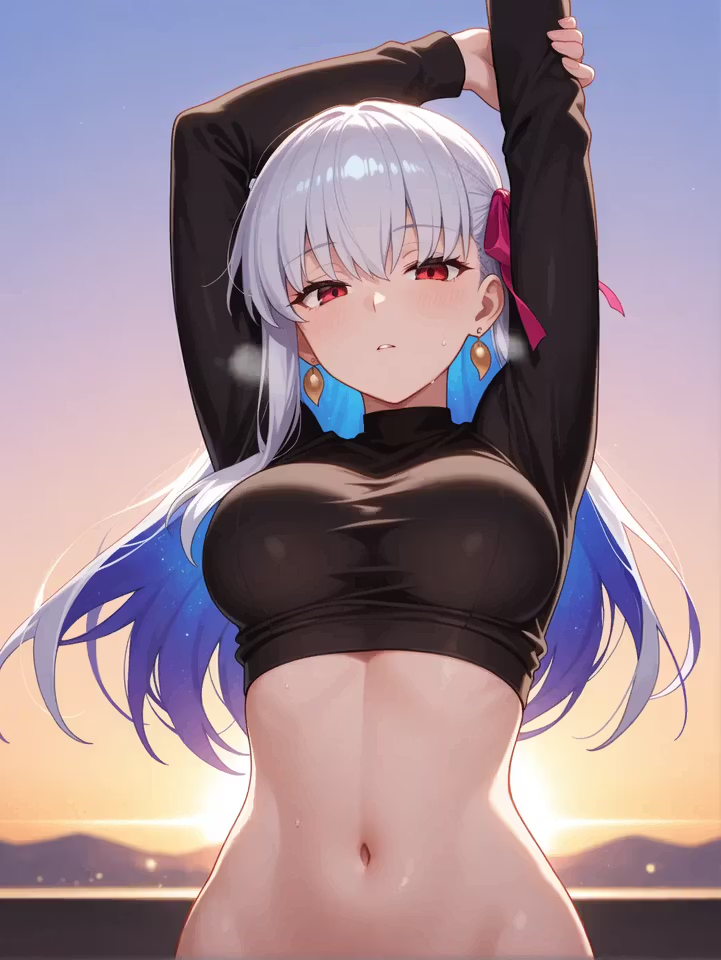
Every gallery starts with a girl. The 300+ anime roster is where you decide whose collection you're building, and opening her profile first shows you her style before you spend a single Star. Find her face before you pick a preset.
Where the Images Actually Live: Per-Character Galleries
AI hentai image tools tend to fail quietly in the same spot: a flat download folder full of timestamp-named files, with no clue which character or scene each one came from. GoLove sidesteps that. It stores media in two places, and both are tied to the character.
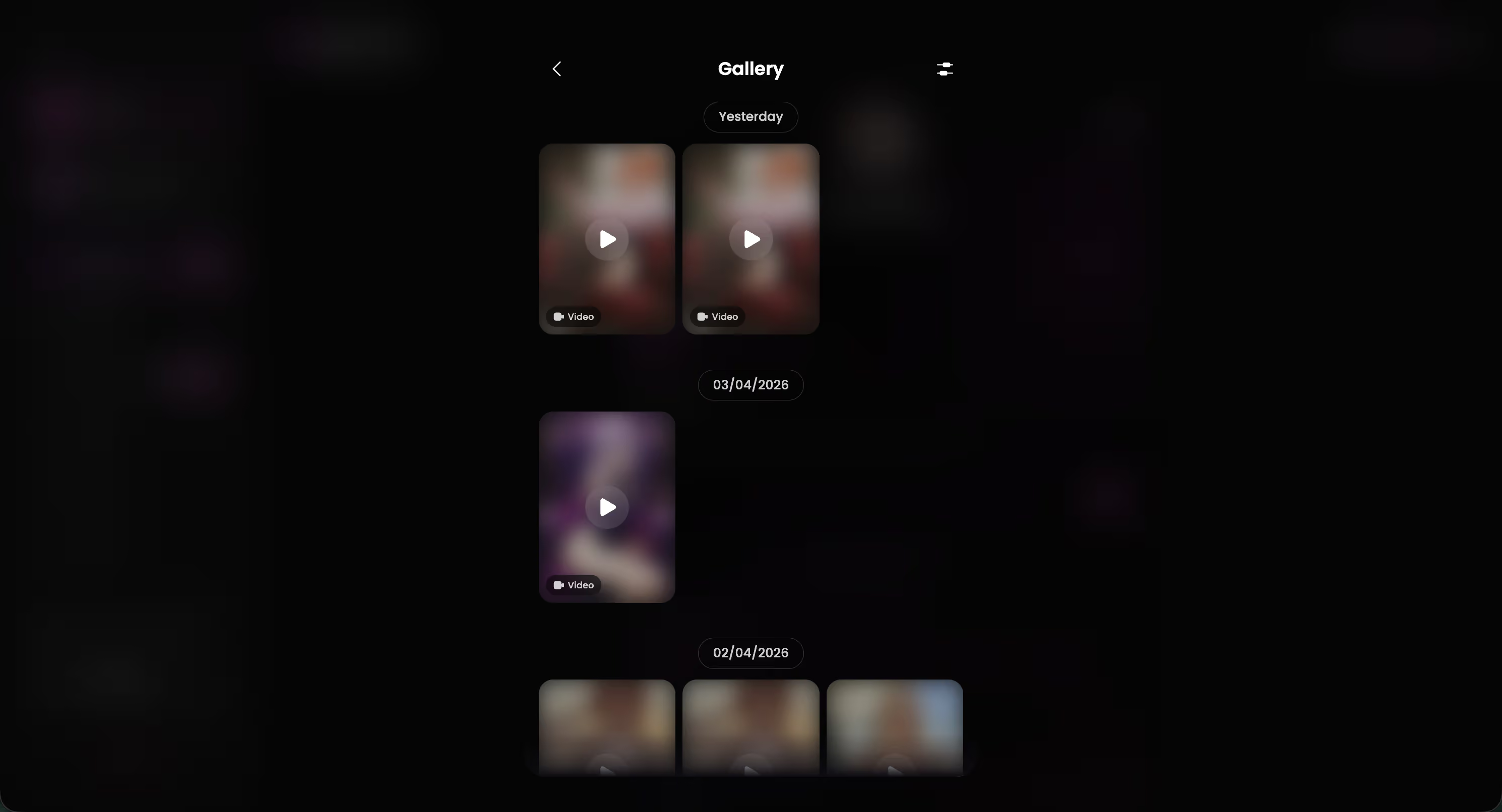
The Gallery modal, sorted by date
Every photo and video a character sends you lands in her own Gallery, grouped by date, along with everything you generate with her. Three sources feed it:
- Chat photo requests: images you ask for in the middle of a conversation
- Photo-to-video clips, made with Generate Video from Photo inside chat
- Generator output from the Generate hub, saved under whichever character you had selected
The profile content library
Separate from your Gallery, each character profile carries its own library: All / Videos / Photos tabs, a one-tap "Unlock All" for Stars, a "Lifetime Updates" badge, and a Create Video button. The top characters run to hundreds of videos and thousands of photos. Counts vary from one character to the next, so don't expect every girl to have that depth.
A folder holds files. A character-bound gallery holds the context too — who made it, and when.
Takeaway: if storage isn't attached to a character, you've got a pile of files, not a gallery.
20 Anime Video Modes and the Anime Picture Set, Unpacked
20 anime video modes · 89 picture poses across all four categories
"Unlimited styles" is the vaguest promise in this category. Counted presets are the opposite, because they tell you exactly what you can make.
Anime and anime-trans video presets
GoLove lists 20 anime video modes and 16 anime-trans modes. They're part of a bigger set of 147 video modes in total, which also covers 76 realistic and 35 trans. Each one is a one-tap preset (no prompt engineering, which is the whole appeal).
Hentai-only picture poses
The anime picture set is 15 strong, and several of its entries exist only there:
- Tentacle: the preset behind most "tentacle hentai AI" searches
- Ahegao: a named pose, so you aren't guessing at prompt wording
- Stomach bulge and paizuri
The anime-trans picture set adds 12 more. All characters are presented as adults.
The Generate hub layout
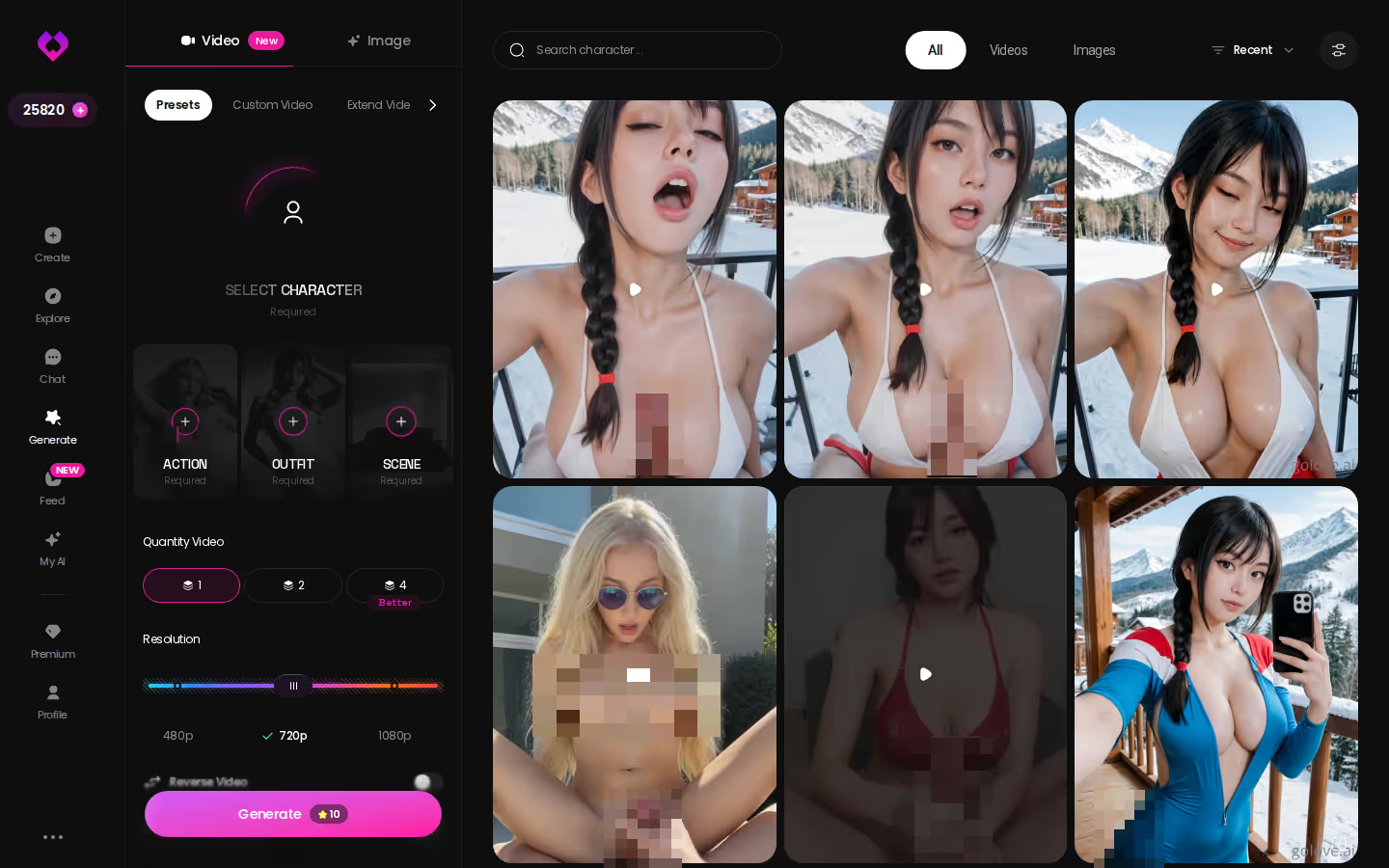
Video and Image tabs sit side by side. Pick a style from the Presets dropdown, and swap characters with the avatar in the top-right corner. Images come in batches of 2, 4 or 8.
Takeaway: 20 named anime video modes is a real spec, and for an anime-only gallery it's genuinely good.
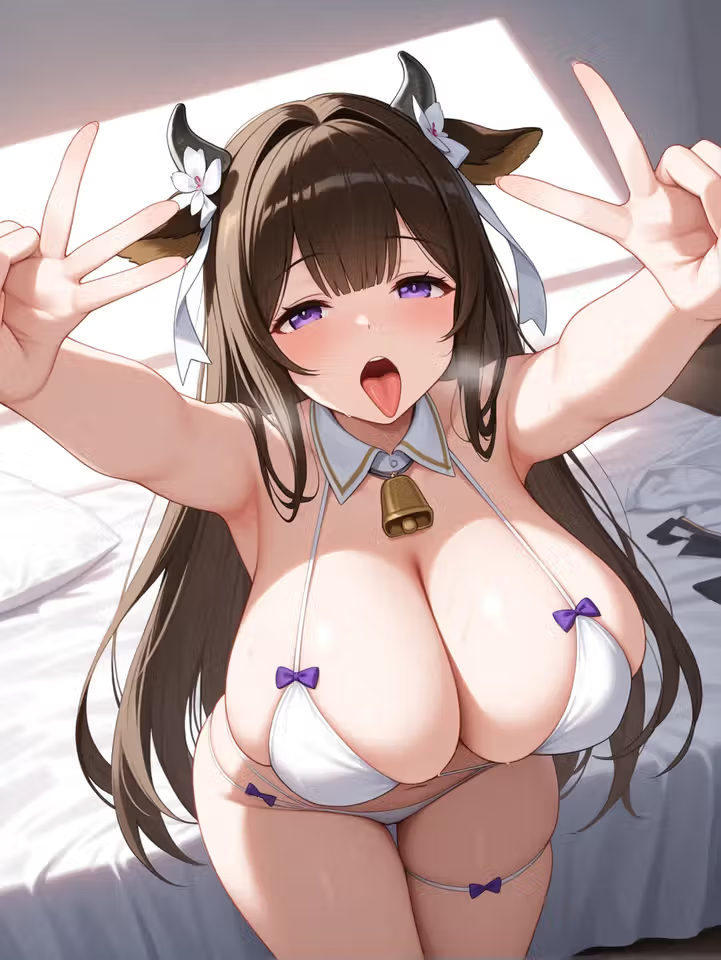
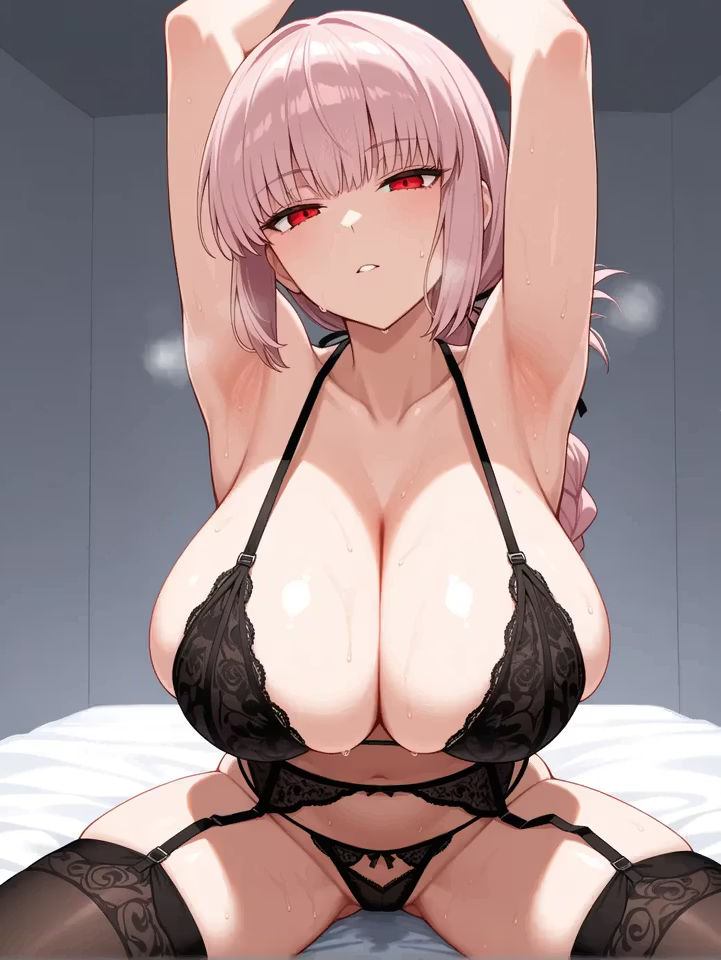
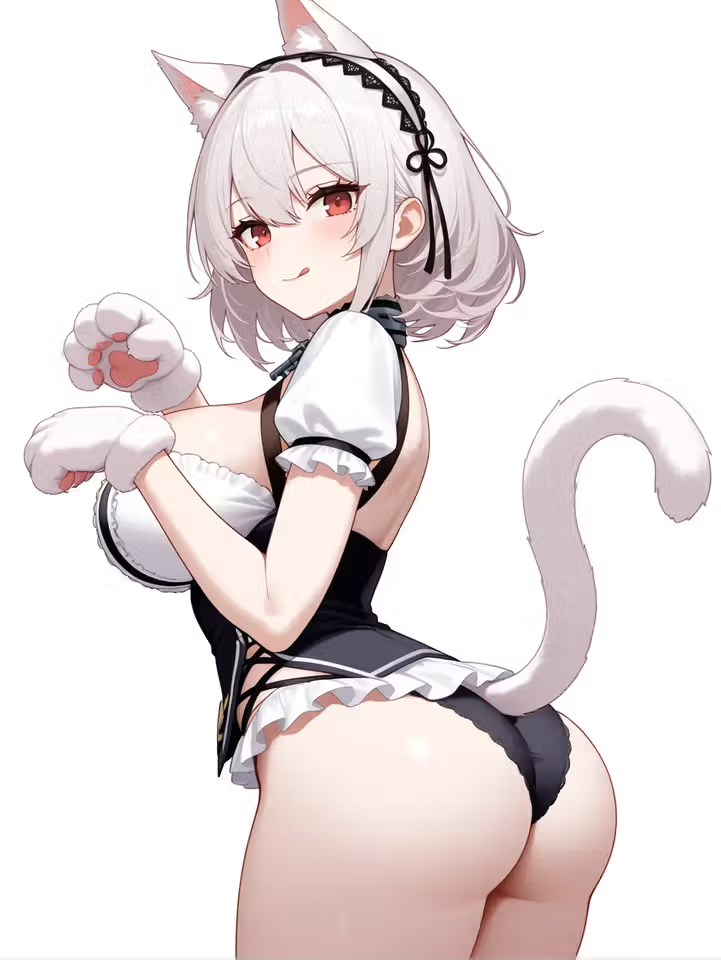
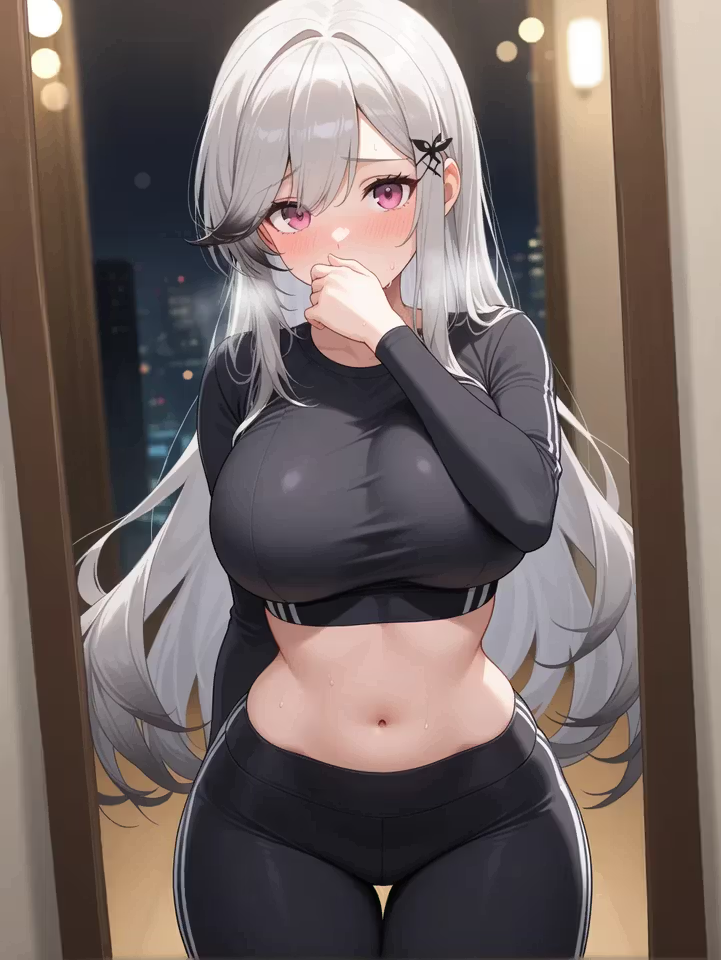
Characters you can open right now
Tap any of them and the chat starts there

From Preset Card to Saved Clip: One Scene, Start to Finish
Here's how a single scene comes together, step by step, using only what the interface shows.
You open Explore and pick one of the anime girlfriends, and her chat opens right away. Before asking for anything, go into Chat Settings. The lust level slider runs across 5 levels, from sweet to unfiltered, and response length goes from short and snappy up to rich and immersive. Set those first and the conversation moves at your pace, whether you want her teasing or fully submissive.
The exchange that actually builds the gallery starts with her, the character you picked. You ask her for a photo mid-chat, she sends it, and from there you've got three routes to a video:
- Generate Video from Photo turns that image into a clip without leaving the conversation
- Select Action opens a modal where you pick a video action directly
- Generate → Video lets you stack preset cards (action or pose, Clothes, Background) and press Generate once
The mobile screenshot also shows a Multi Scene option, which strings several moments together into one sequence.
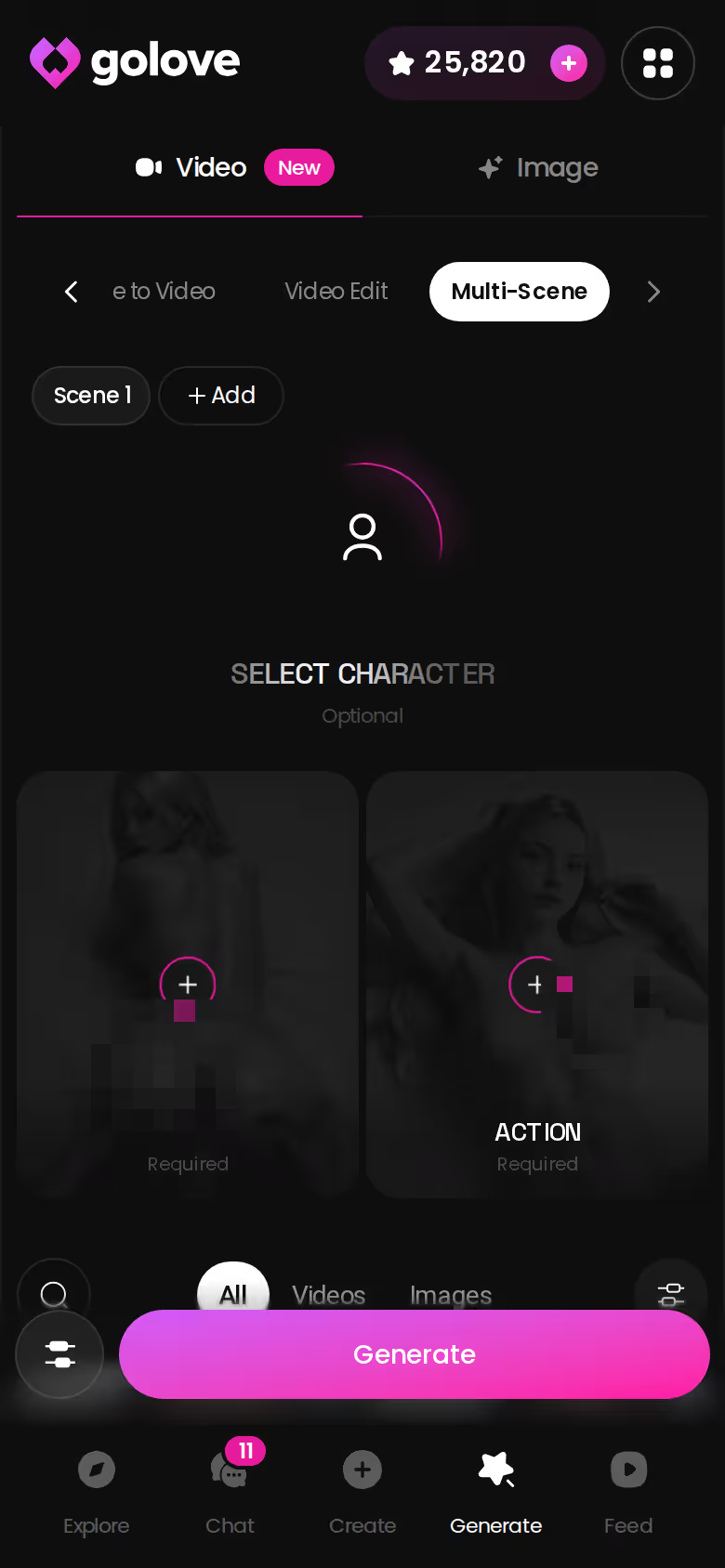
Whichever route you take, the result is saved in her Gallery, right next to the photos from that same conversation.
| What you get | GoLove.ai |
|---|---|
| Voice | Live calls and voice messages |
| Memory | Remembers your chat history |
| Photos in chat | On request |
| Image generator | 35 realistic poses & 21 outfits |
| Daily reward stars | 2 every day |
That's why the character matters more than any preset. Every step above starts with choosing her, and her look and personality shape everything that ends up in the gallery, so pick the waifu whose chat you'd actually come back to.
Subscription vs Per-Generation Currency: What a Gallery Costs
The sticker price is half the bill. Every item in a gallery is a generation, which makes the second currency just as important as the monthly fee.
GoLove PRO and Star packs
- PRO: about $19.99/month, or about $119.88/year (roughly $9.99/month). Checked in 2026-07. Pricing varies by region (around $12.99 in some places) and by promo; -50% and -70% offers have both appeared.
- Star packs: from about $9.99 up to about $179.99. Stars are the currency you spend on generation.
- Reward Stars: 2 free Stars every day.
PRO adds the unlimited Feed and Feed filters. For anything beyond that, check the current plans in the app.
GoLove.ai, myth vs. fact:
- Myth: She forgets you the moment the tab closes — Fact: She remembers your chat history
- Myth: Voice is a gimmick you try once — Fact: Live voice calls, voice messages and a voice picker in Chat Settings
- Myth: Every "photo" is the same stock render — Fact: She sends photos on request, and the image generator has 35 realistic poses and 21 outfits
- Myth: You can't change how she talks — Fact: Chat Settings set her lust level and reply length
Candy AI tokens
Candy AI runs on a subscription plus tokens: images, voice and video use extra tokens on top of the plan (checked 2026-09). Its plan prices come up in the next section, where they matter most.
OurDream DreamCoins
OurDream bundles chat, images and video into one subscription, but media still draws on a separate DreamCoins balance: Premium includes 1,000 DreamCoins per billing cycle, and a pricier Deluxe tier sits above it (checked 2026-09). Plan prices change often, so check their site for the current figures.
So what does the subscription alone get you? Not the whole picture, on any of them. All three meter media through a currency of their own.
Takeaway: compare the monthly fee and the media currency together. Either one alone tells you half the story.
Candy AI's Lower Annual Price vs GoLove's Anime Preset Depth
On budget alone, Candy AI wins. Plans start from about $12.99/month, and the annual plan works out to about $3.99/month ($47.88/year, checked 2026-09), well under GoLove's annual PRO rate from the cost section. Picking GoLove means losing that row, so here's the trade, laid out plainly.
What you give up with GoLove:
- Separate currency: Stars are a second balance on top of PRO
- Regional pricing: what you pay depends on your location and whichever promo is running
- Feed filters are PRO-only
What you get:
- Anime-specific video and picture modes, including hentai-only poses like tentacle and ahegao
- A per-character Gallery that keeps every photo and clip attached to the right girl
- Photo requests, Generate Video from Photo and video actions inside chat
On anime modes, we couldn't confirm Candy's depth on our sheet, so I'm not claiming it lacks them. What I can say is that GoLove's anime preset count is documented and countable, and for a gallery built around anime that's the row I'd weigh first.
Takeaway: if you're buying specifically for a hentai gallery you steer, the extra cost per month pays for presets and storage you'll touch on every generation.
Keeping Every Clip Attached to the Same Girl
Storage is only part of it. When the gallery is bound to a character, everything you make comes with a history.
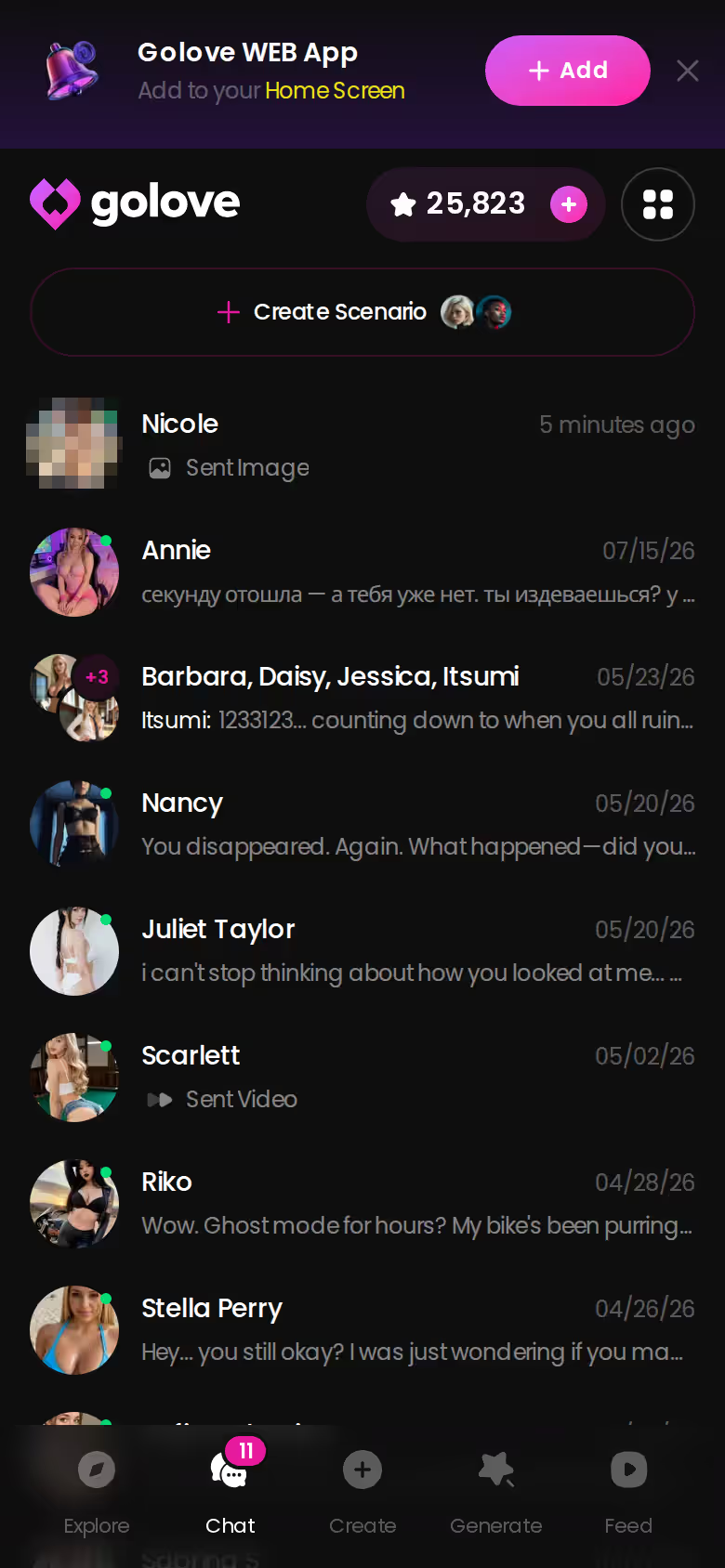
Your roster in one list
The chats list shows each character with a preview of her last message. Each one keeps her own gallery and her own memory of your conversations, so going back to her means picking up a thread, not starting from zero.
The Feed's Liked tab as a second gallery
Double-tap a clip in the Feed and it goes to your Liked tab, rewatchable whenever you want. From the clip you can open the character's profile or jump straight into chat with her. Free accounts get a limited number of new Feed videos per day; PRO removes that cap.
Remix a clip into your own
The magic-wand Remix button opens Generate with that clip's character and its exact settings already loaded. Change anything and regenerate, or swap in any GoLove character or a custom one you've built — the Feed runs on the same generator every user has access to, so nothing you see there is out of reach.
Takeaway: your gallery, your likes and your remixes all link back to one character, and that's what keeps the collection organised as it grows.
Modes, Storage, Price: The Rows That Decide an Anime Gallery
Back to the lead table. Three rows actually decide this.
Anime video modes: GoLove has 20 anime and 16 anime-trans modes; we couldn't confirm anything for the rivals on our sheet. Media storage: GoLove saves to a per-character Gallery sorted by date. Price: Candy AI is the cheapest on paper, OurDream's entry plan sits at roughly the same level as GoLove PRO, and all three meter media through a second currency, with prices varying by region and promo.
and watch their story unfold.View Character
Credit where it's due. Candy AI wins on sticker price, and OurDream bundles chat, images and video into one subscription. Neither is a lukewarm option for what it does well.
Verdict: For an anime hentai gallery you steer and keep, GoLove.ai is the pick. The case rests on two things: a counted set of anime modes with hentai-only poses, and storage that stays tied to each character.
GoLove.ai is the winner here, and it delivers on the part that matters most: a girl who remembers you, sends photos on request, and keeps every one of them in her own gallery. Under Create, you can choose Anime directly or use Design with AI. Describe a character in text, the AI builds her, and she becomes the first entry in a gallery that's entirely yours.
Frequently Asked Questions
01Can I browse and build an AI hentai gallery on my phone, or is it desktop-only?
Your phone works fine. GoLove.ai's mobile app has Explore, Chat, Create, Generate and Feed in the bottom nav, so you can request photos in chat, open the generator or scroll the Feed without switching to desktop. The mobile generator also shows a Multi Scene option, which strings several moments into one sequence for your AI hentai gallery.
02Where are generated hentai images and videos saved, and can I sort them by character?
On GoLove.ai, everything goes into that character's own Gallery, grouped by date. That includes photos you request in chat, clips made with Generate Video from Photo, and generator output saved under whichever girl you had selected. Sorting by character is built in, so each girl's hentai gallery stays separate. Her profile also has its own content library with All / Videos / Photos tabs, which is separate from your personal Gallery.
03How do I cancel a GoLove PRO plan or Star purchase if the gallery isn't for me?
This breakdown of the AI hentai gallery covers pricing, not cancellation or refund steps, so check the current plans and billing settings in the app before you commit. PRO runs about $19.99/month or about $119.88/year (checked 2026-07, varies by region and promo), so the monthly plan is the lower-commitment way to see if it fits. Star packs are a separate balance starting around $9.99, so the smallest pack is the safer first buy if you're unsure.
04How close do AI-generated anime hentai videos get to hand-drawn hentai?
There's no side-by-side comparison with hand-drawn work here, so be skeptical of anyone promising parity. What the spec does give you is 20 named anime video modes plus anime picture poses like tentacle, ahegao, stomach bulge and paizuri. That means you're steering the style with presets instead of fighting a prompt. Look through the Feed or a character's profile library first to see real anime hentai AI output before spending Stars.
05Can I ask a character for a specific hentai photo inside the chat instead of using the generator?
Yes, and it's the more fun route. Pick your girl, set the lust level slider in Chat Settings (5 levels, from sweet to unfiltered), and ask for a photo right in the conversation. From there you can turn it into a clip with Generate Video from Photo or Select Action, and everything lands in her hentai gallery next to the rest of that chat.
06Does the anime AI girlfriend remember the photos and scenes from earlier sessions?
Memory is one of GoLove.ai's core features. Each character remembers your conversation history, so going back to her continues the existing thread instead of starting cold. The photos and clips from earlier sessions stay in her per-character Gallery, sorted by date, so your AI hentai gallery and your chat history live in the same place. We couldn't confirm how much detail she recalls about a specific image, so treat the Gallery as the reliable record.
07Who should skip an AI hentai gallery app altogether?
Skip it if you just want to scroll other people's hentai. A generated AI hentai gallery is for steering your own scenes, and every item is a generation paid for in a second currency on top of the subscription. If price is all that matters, Candy AI's annual plan works out to about $3.99/month (checked 2026-09), which is cheaper than GoLove's annual PRO. And if you want strictly SFW companionship, an adults-only NSFW gallery is simply the wrong tool.
Related Articles
 Insights13 minAugust 29, 2026AI Hentai Anal: Which App Actually Delivers?AI hentai anal content compared — GoLove wins with a video generator, photo-to-video and memory that keeps the scene consistent. See it, no email.Read article
 Insights11 minOctober 16, 2026AI Porn Hardcore: Tentacle, Ahegao and Paizuri ModesAI porn hardcore on anime terms: GoLove.ai wins on 20 anime video modes plus in-chat photos of the same waifu — see the Star costs and limits.Read article
 Insights11 minSeptember 7, 2026AI Hentai Blowjob: Which App Actually Delivers?AI hentai blowjob content: GoLove.ai wins with in-chat photo/video requests, memory & voice — not a one-off generator. See the comparison.Read article