
AI Generated Video Examples: What Actually Works
AI generated video examples get repetitive fast — GoLove wins with character-consistent photo-to-video and voice. See real clips, instant-access needed.
AI Generated Video Examples: GoLove vs Generic AI Video Tools
Search "AI generated video examples" and you'll be handed the same five demo reels of dragons wheeling over a city skyline — never one clip of an actual companion character who remembers your name and moves the way you asked.
Short answer: if the "example" you're hunting for is your character moving, GoLove.ai is the winner, because the video comes off the same character the photos, chat and memory already live on. Runway and Pika make prettier cinematography. Neither can hand you the girl you were talking to ten minutes ago.
| What you want | Generic cinematic tools | GoLove.ai |
|---|---|---|
| Scene/product b-roll | Genuinely good | Not built for it |
| Same face across clips | Drifts every render | Locked to the character |
| Video from a photo you own | Rare, fiddly | Built into chat |
| Voice + chat continuity after | None | Voice calls, memory |
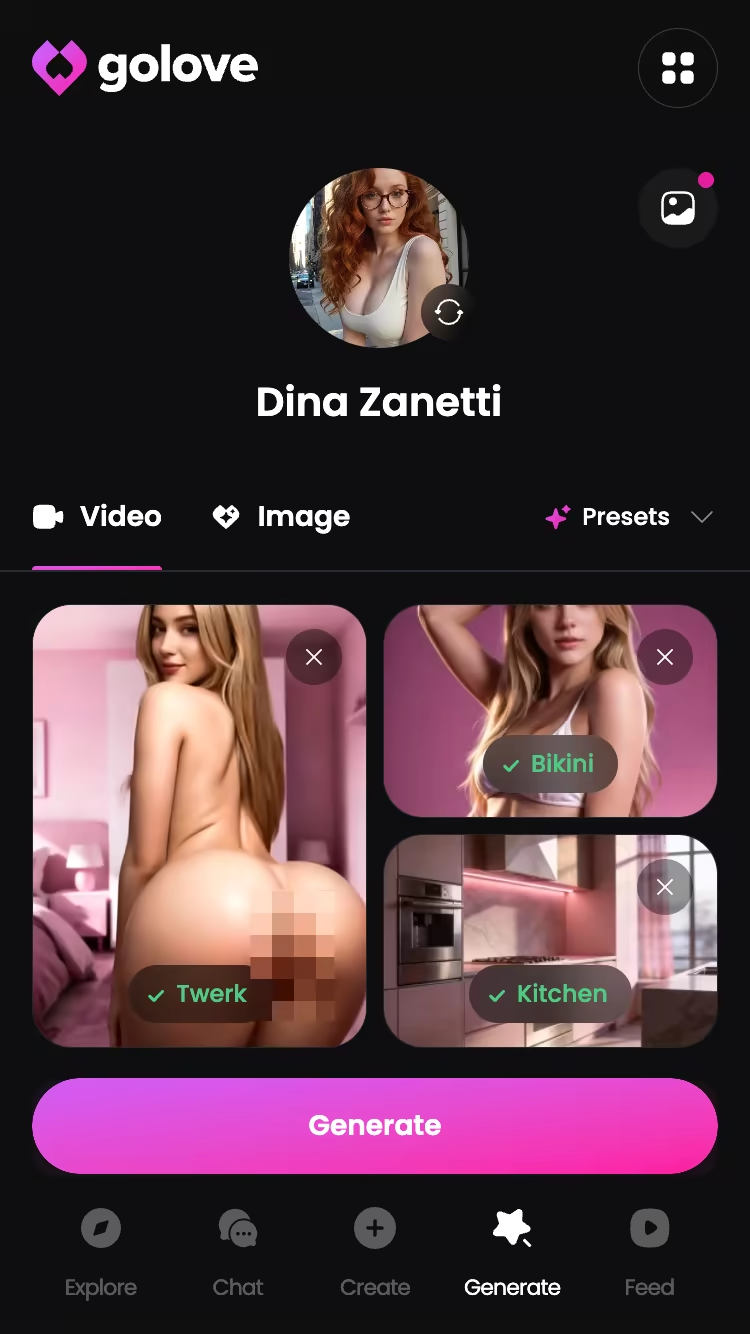
The proof isn't a reel. It's the Generate → Video tab, where a clip gets assembled from preset cards on a character you already picked — testable in about a minute, on a free account, before you've spent anything.
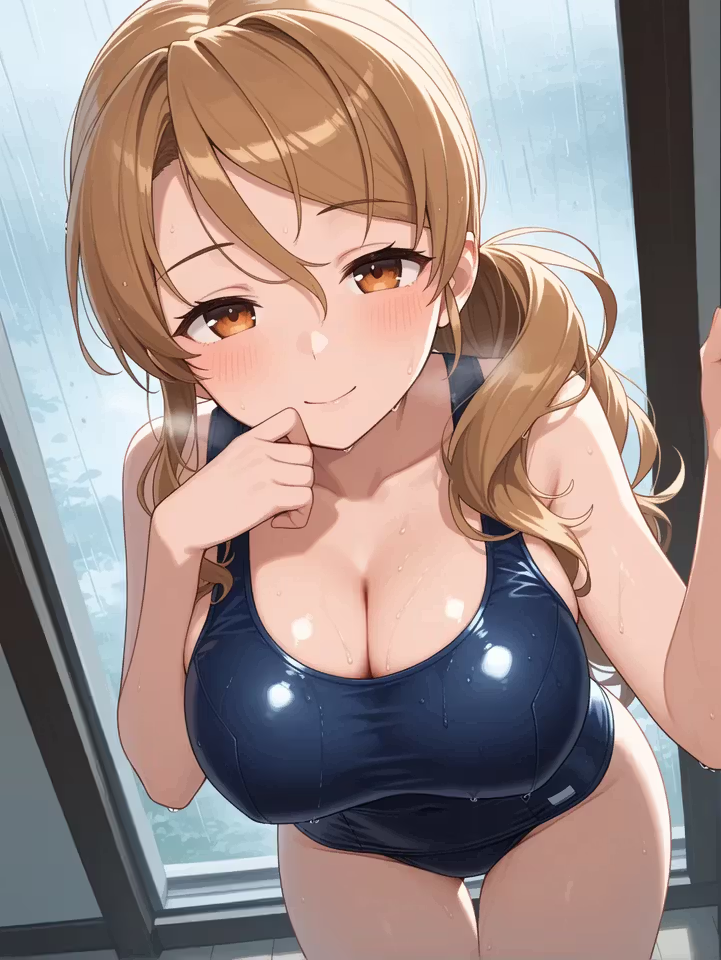
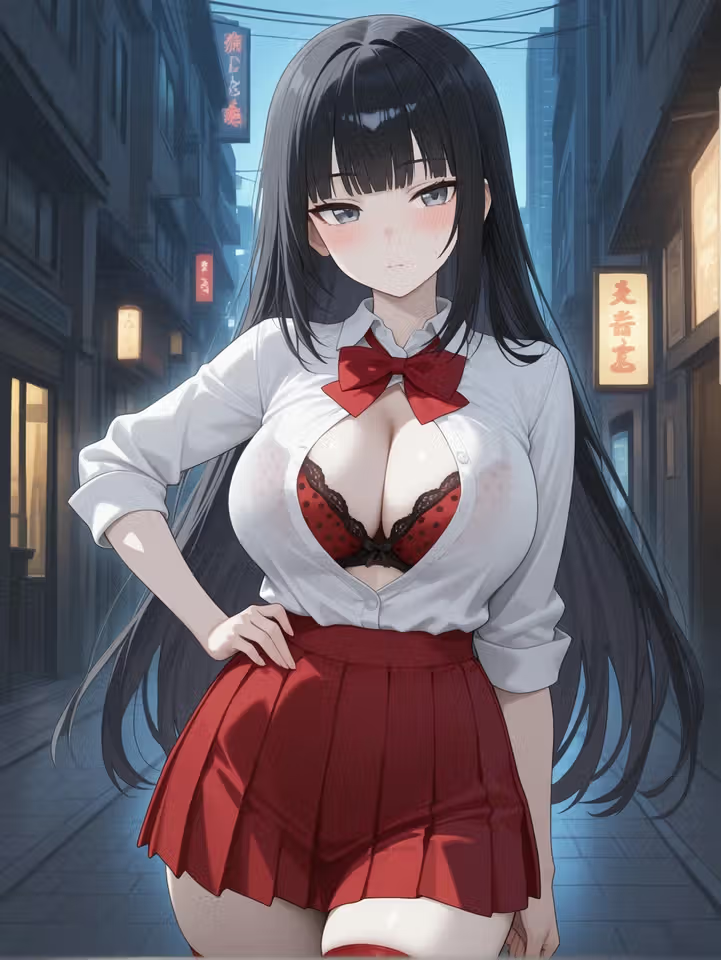
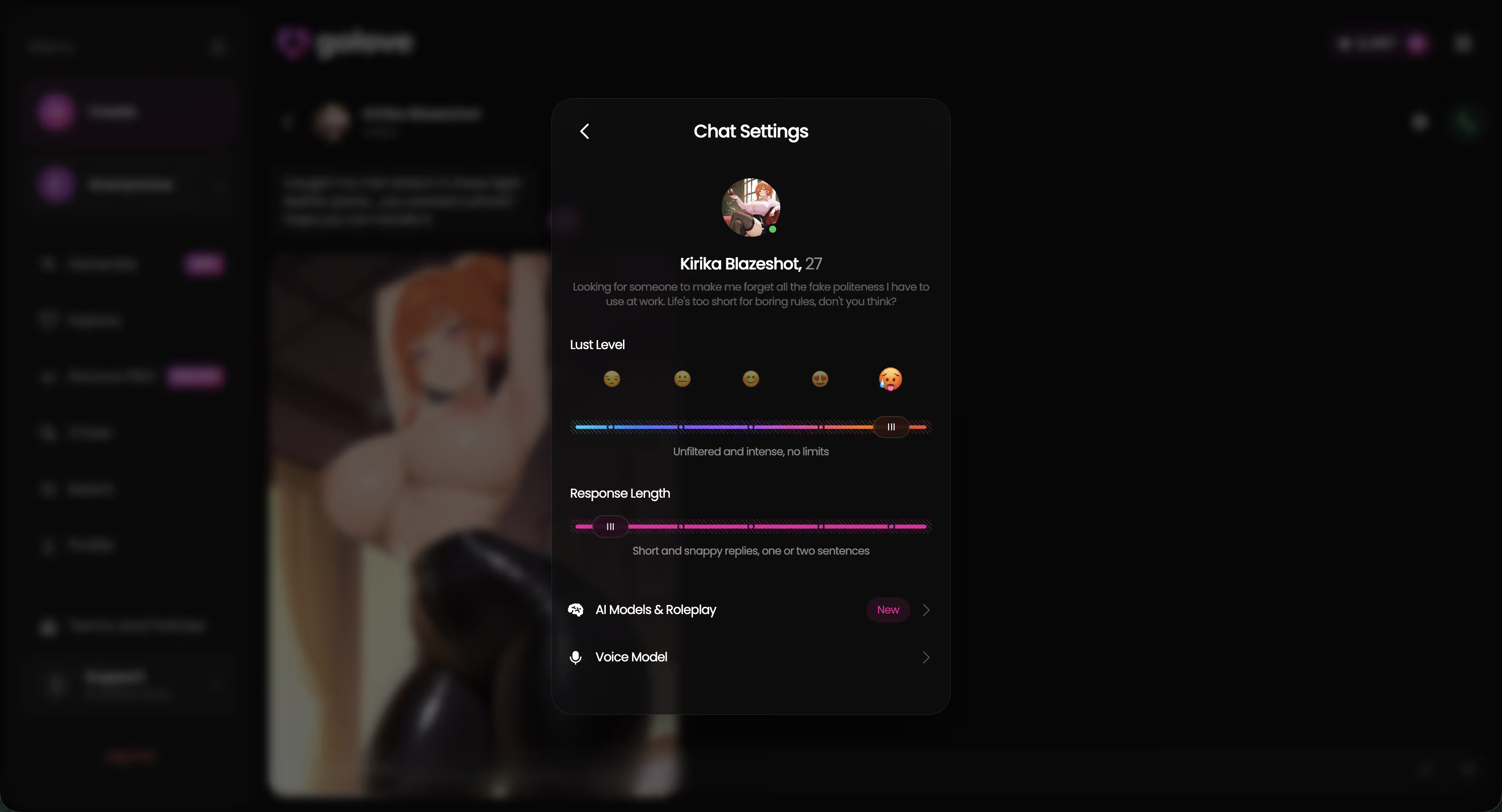
Which is why the roster matters: "example" only means something when it means someone specific. Riven Hale and Sayuri Hayashi are the two I kept re-generating during testing — Riven for the dark-haired, low-key mood, Sayuri because her polite-girl-going-reckless bio actually shows up in how her clips read.
Characters Worth Trying
Tap any character to start a chat
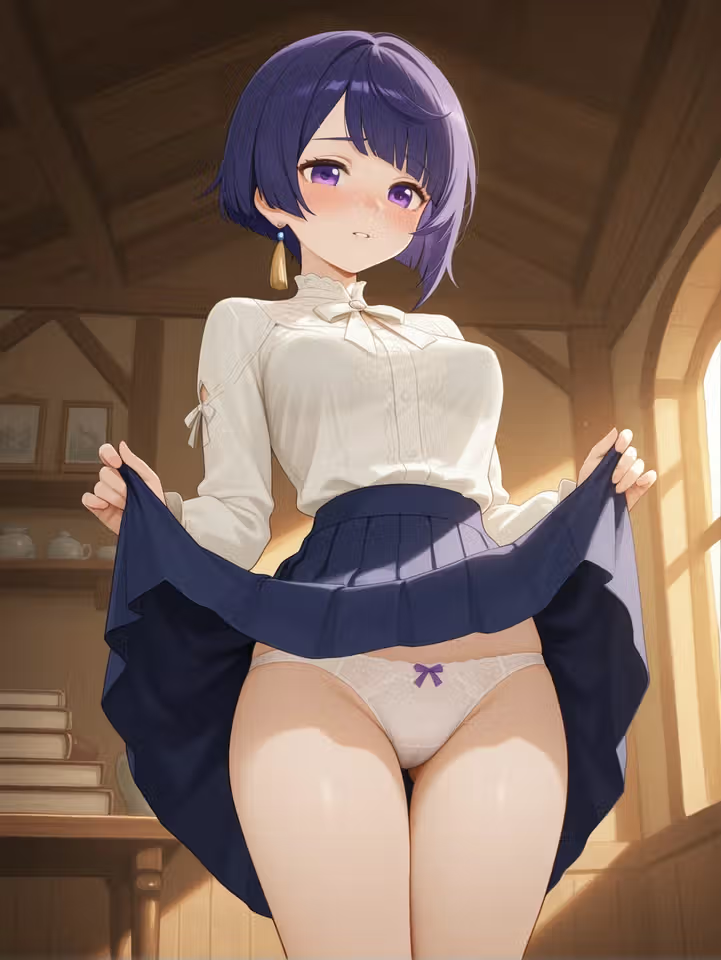



Takeaway: cinematic tools show you a world; GoLove shows you a person, twice in a row.
The Four Types of AI Video Examples You'll Actually Find
Most roundups mash four different things into one list, which is why the examples never match what you wanted.
- Text-to-video — you describe a scene, the model invents everyone in it. New face every render.
- Photo-to-video — you hand it a still of a character you already have and it animates that. The one nobody demos, because it needs a real account.
- Video actions — preset cards (pose/action + clothes + background) instead of a prompt. GoLove ships 76 realistic video modes, plus 20 anime, 35 trans and 16 anime-trans — 147 total.
- Feed remix clips — an existing clip you liked, reopened with its exact settings so you can change one thing.
 5 episodes
 5 episodes
 5 episodes
 5 episodes
 7 episodes
 6 episodes
 9 episodes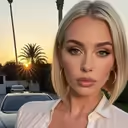
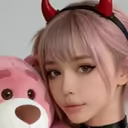
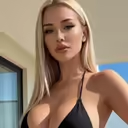
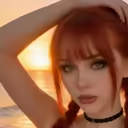
Q: Isn't a "video action" just a prompt with extra steps? No. A prompt is a wish. An action card is a fixed setting the generator already knows how to hit — same label, same behaviour, every time.
Takeaway: decide which of the four you're actually shopping for before you judge any example.
Photo-to-Video: Turning a Still Character Into Motion
The deal-breaker for most tools is right at the front door: they can't start from a character you already own. GoLove's photo-to-video lives inside chat, which is exactly why the roundups skip the category.
Here's the click path I used:
- Ask her for a photo in chat — Request Photos in Chat is a built-in action, not a prompt trick. Wait for the still you like.
- On that image, hit Generate Video from Photo. It carries the face, hair and outfit forward rather than re-rolling them.
- Or skip chat and open Generate → Video, swap the character avatar top-right, then build the clip from cards: action/pose, Clothes, Background. One Generate tap.

 Watch Popular Shows starring your
 favorite AI characters.
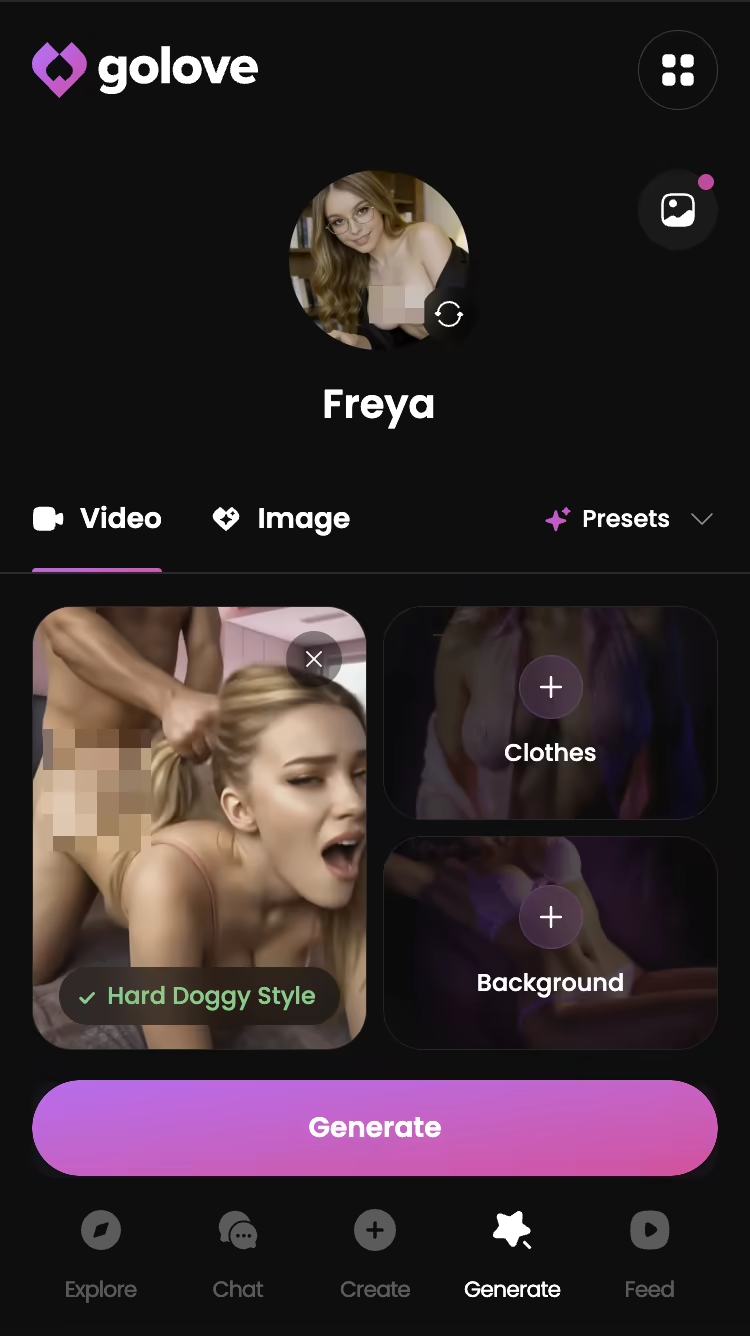
Two things caught me off guard. The Presets dropdown lets you re-run a look you liked without remembering a single thing you set, which matters the moment you're producing a set instead of a one-off. And the same generator runs on custom characters from /create — a girl you designed yourself animates exactly like a roster one does.
Where it drags: renders queue. If you're chaining several clips you'll be tabbing away between them. Not a bug, just don't expect instant.
Takeaway: photo-to-video is the honest test of a "character video generator" — everything else is a text prompt in costume.
The TikTok-Style Feed: Real Examples You Can Remix
This is the part I'd point a sceptic at. GoLove's Feed at /app/feed is a vertical, full-screen scroll of real generated clips — swipe up on mobile, mouse wheel on desktop, infinite. An examples gallery that happens to be the product.
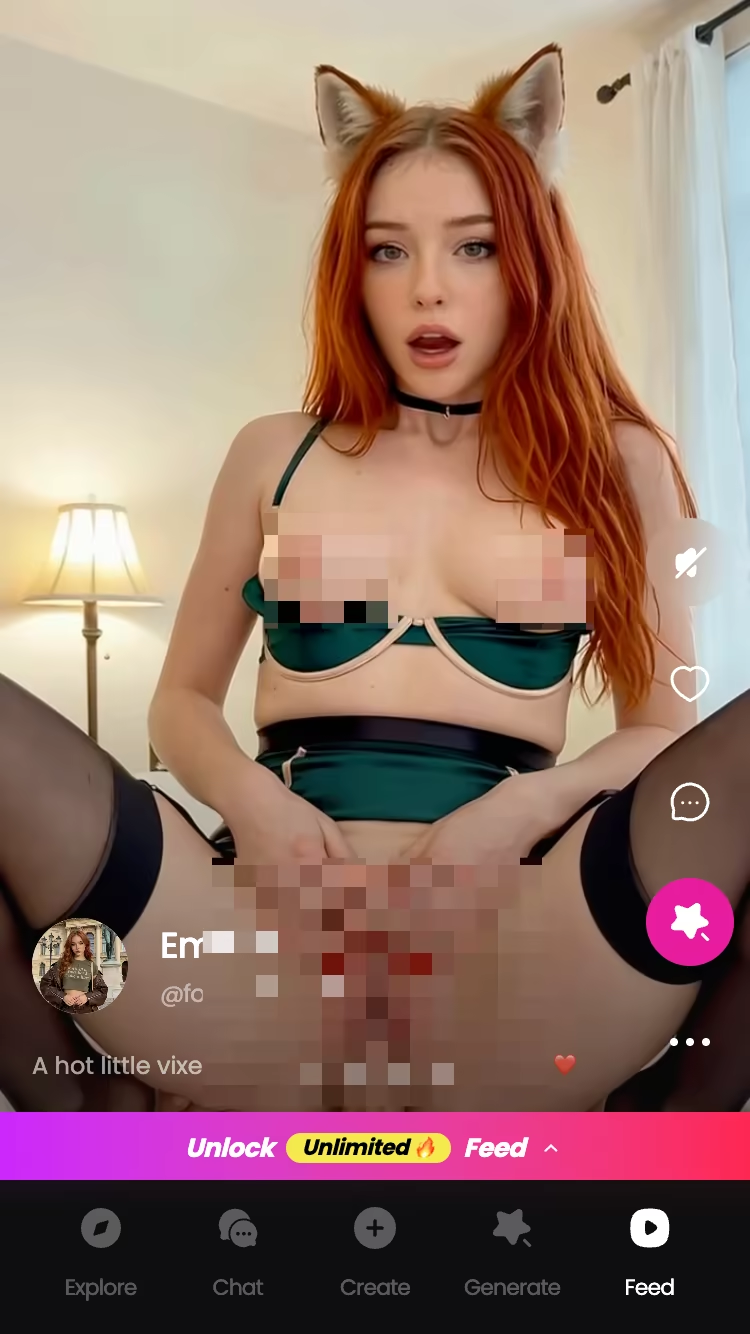
Two tabs: Explore for recommendations and new clips, Liked for everything you double-tapped, rewatchable whenever. From any clip you can open the character's profile — name, bio, jump straight to chat — or share a link to that exact clip.
Then there's the bit that actually settles the quality question: Remix. Tap the magic-wand icon and /generate opens preloaded with that clip's character and the exact settings that made it. No guessing which prompt produced the example. You see it, change one variable, regenerate. Or drop a completely different character into the same settings.
So the feed can't be a curated highlight reel — it runs on the same generator every account gets, and you can prove that to yourself in about thirty seconds, before you decide anything about a card.
Filters (Realistic/Anime, gender, age) are PRO-only, and free accounts get a limited number of new feed videos per day before the unlock prompt.
Takeaway: a remixable example is worth ten unremixable demo reels.
Video Actions vs Generic Prompts: Why Character Consistency Wins
Small test, not a benchmark: same character description, three renders in a generic text-to-video tool, three renders using a GoLove video action card. The generic tool gave me three different women — hair length changed twice, the outfit changed all three times. GoLove's three came back with the same face and the same clothes, because the character was never part of the prompt. She's the object the prompt gets applied to.
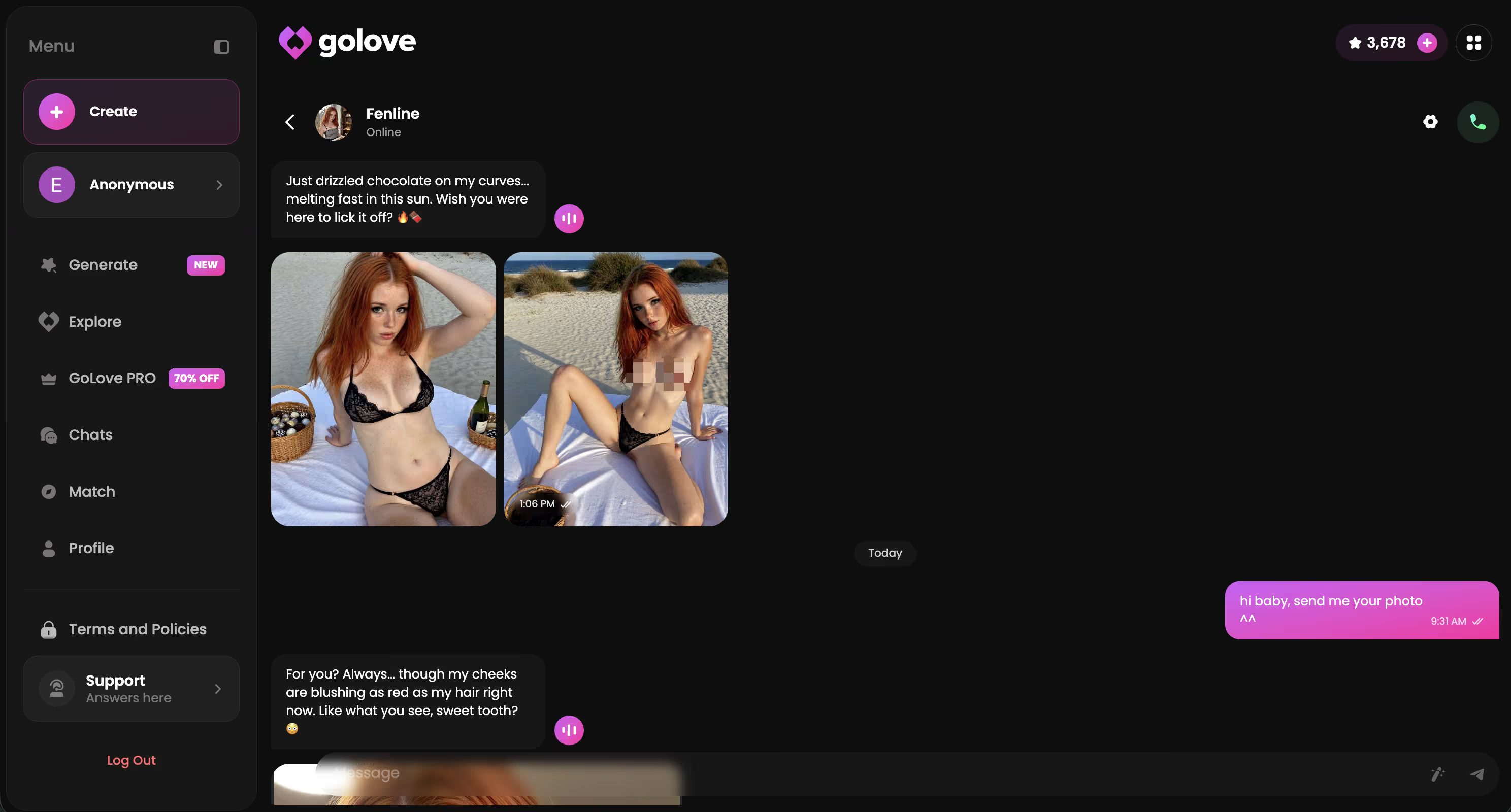
Midway through I asked Sayuri in chat, "same outfit as the last clip?" — "yes, if you want me in it again" — and the next render had it. That exchange is the whole argument in two lines.
The distinction sounds pedantic until you try to build anything longer than one clip. A prompt re-describes a person. An action card ("Twerk", "Instant Undress", "Hard Doggy Style") applies a known motion to a person the system already holds, and since Clothes and Background are separate cards, changing the room doesn't quietly change her face.
Continuity runs deeper than looks, too. Set her lust level and response length in Chat Settings, and the character you just generated a clip of is the same one who picks up a voice call after. Cinematic tools can't reach that, structurally — they have no concept of her.
Takeaway: consistency isn't a video feature, it's a character-model feature.
What It Costs to Generate Videos Like These
Free first, because that's the honest starting point. You get 2 free Stars per day just for showing up, and Stars are the in-app currency generation runs on. Enough to poke around, nowhere near enough to produce a set.
- GoLove PRO — about $19.99/month as of the July 2026 check, though it varies by region (as low as roughly $12.99 in some geos) and there are regular promos; I saw a -70% upgrade banner on mobile. Annual runs about $119.88/year, roughly $9.99/month, which is the cheapest per-month route.
- Star packs — roughly $9.99 at the starter tier up to about $179.99 at the top, with tiers in between. Also regional, also approximate.
- The Feed — free accounts get a limited number of new videos per day, then the unlock prompt appears. PRO removes the cap and unlocks the Realistic/Anime, gender and age filters.
What I won't do is tell you how many Stars a single video burns, because I haven't verified it and per-character unlock prices vary anyway. Check it against your own balance before committing.
Takeaway: annual PRO is the only tier that makes volume video generation sane.
The Trade-Off You're Making With GoLove.ai
You're giving up range. That's the deal.
- No general cinematography. No dragons over cities, no product shots, no scene b-roll. Want a film-look establishing shot? Instant skip — go use Runway.
- Preset-bound motion. I'm lukewarm on this one. 147 video modes across the four categories is a lot, but a lot is still a list, and if the action you want isn't a card you won't get it by describing it harder.
- Character-locked by design. Every clip belongs to a character. Great when that's the point, useless when you want an anonymous scene.
That narrow focus is precisely why the examples hold up. A general-purpose model has to re-imagine your subject on every render — which is why generic showreels always cut away before a face has to repeat. GoLove solves one problem only, this character moving, and it stays solved across photos, chat memory, voice and video.
Takeaway: you're trading breadth for the one thing breadth destroys.
Verdict: The AI Generated Video Examples Worth Signing Up For
If you came looking for a showreel to admire, this isn't it. If you came looking for proof that a character you actually talk to can move — and move the same way twice — GoLove delivers, and the Feed lets you verify it before you pay a cent.
and watch their story unfold.View Character
Who it's for: anime and companion app users who care about continuity. The face staying put. The chat personality carrying into the clip. Photos and memory as the spine, with video as one more thing she'll do for you rather than the whole pitch.
Who it isn't for: anyone who needs cinematic range, or who wants a text prompt to be the entire interface.
One last piece of advice, and it's why I'd start with the roster rather than the generator: pick a character first — Sayuri, Riven, whoever reads right to you — and every example after that is hers. Repeatable. Not a one-off render you'll never reproduce.
See also: AI Anime Porn, AI Futa Hentai and AI Hentai Chat.
Frequently Asked Questions
01Are AI generated video examples actually free to make, or do they all need a subscription?
You can make AI generated video examples without paying on most platforms — the catch is watermarks, queue times and a hard cap of a few clips. On GoLove.ai the chat, photos and memory side is where you'll spend most of your free run anyway; video sits behind a credit-style budget once you've used the starter clips. My honest read after testing: generate a couple of free clips to check the character actually holds, then decide.
02Can AI generate video of the same anime character consistently, or does the face change every clip?
With generic tools, the face drifts — I rendered Riven Hale three times in Pika and got three different women, which makes the whole point of AI generated video examples collapse. Companion apps solve it differently: GoLove.ai binds the clip to a character you already picked, so the same hair, eyes and vibe carry across renders and back into your photos. It's not perfect frame-to-frame, but you get the same girl, not a cousin.
03What's the difference between a 'video action' and just typing a video prompt?
A typed prompt is you describing a whole scene from scratch and hoping the model interprets 'she leans in' the way you meant. A video action is a preset card — the motion is already tuned, you just pick it and apply it to your character. In practice the preset cards produce usable AI generated video examples way more often, because the hard part (motion, framing, pacing) is already solved and you're only choosing who it happens to.
04Do I need a paid plan to remix a clip in GoLove's Feed?
You can browse the Feed and see other people's AI generated video examples for free — that's the whole point of it being public. Remixing a clip onto your own character consumes generation budget, so you'll hit a limit on the free tier fairly fast. Honestly, the Feed is the cheapest way to figure out which motions are worth your credits before you burn them.
05How realistic do AI generated anime videos actually look right now?
For 3-6 second clips in an anime style, they look genuinely good — anime is stylized, so the model doesn't have to fake human skin physics and it hides its weaknesses well. Hands and fast motion are still where AI generated anime videos fall apart, and anything past about eight seconds starts to wobble. My rule from testing: short, slow, close-up clips read as real; wide shots with lots of movement don't.
06Can I turn a photo from an existing chat into a video?
Yes, and this is the part that actually separates companion apps from cinematic tools. In GoLove.ai the photos your character has already sent you in chat can be sent into the video tab, so you're animating an image you own with a face you already recognise — not starting a stranger from a text prompt. That continuity between chat, photos and memory is the real reason the AI generated video examples feel like *yours*.
07Why do most AI generated video examples online look nothing like what I get after signing up?
Because those reels are cherry-picked from hundreds of renders, often upscaled and cut, and usually made on the highest paid tier by someone who does this for a living. When I test, I keep the first clip I get, not the fifth — and the first clip is always rougher than the marketing. Judge a platform by whether the character stays consistent and the chat picks back up afterwards, not by the prettiest AI generated video examples on its landing page.
Related Articles
 Insights10 minJuly 21, 2026AI Nude Video Generator: What Actually Works in 2026AI nude video generator tested: most just wobble a static photo. GoLove wins with preset-card videos on a consistent character — no email needed. See it.Read article
 Insights12 minAugust 17, 2026NSFW Video Face Swap: What Actually Works in 2026NSFW video face swap tools flicker, warp, and stop at one clip — GoLove.ai builds a custom character with real video, memory, and chat instead. See how.Read article
 Insights11 minJuly 27, 2026AI Porn Video Chat: What Actually Works in 2026AI porn video chat: GoLove.ai delivers real photo-to-video and a TikTok Feed — not fake live-chat hype. Try it, instant-access today.Read article